RSC Sphere: Workforce Continuity and Operator Experience

The Workforce Continuity and Operator Experience Sphere addresses how aerospace organizations scale output without relying solely on hiring. It focuses on training, skills development, knowledge capture, and operator-first execution design. The content shows how experience and know-how can be encoded into daily work through governed processes and digital guidance. This sphere demonstrates that productivity and continuity come from better systems, not just more people.

  • Aerospace Workforce Training: Capturing Knowledge and Powering a Connected Shopfloor

    Aerospace Workforce Training: Capturing Knowledge and Powering a Connected Shopfloor

    Aerospace manufacturing faces a production reality that demands urgent attention. Boeing and Airbus collectively hold a backlog exceeding 5,000 aircraft, while the global MRO market is forecasted to exceed $120 billion by 2030. Meeting these demands requires a workforce that simply does not exist in sufficient numbers today. By 2024, nearly 25% of U.S. manufacturing workers were aged 55 or older, and projections suggest that 27% of manufacturing workers will retire this decade. The knowledge these seasoned workers carry with them when they leave rarely exists in any documented form.

    Aerospace workforce training is no longer limited to classroom sessions or static PDF manuals. Modern training must capture institutional knowledge from experienced employees, standardize it into accessible formats, and deliver it in real time on the shop floor and in MRO hangars. The stakes are straightforward: legacy platforms will remain in service beyond 2040, complex processes require specialized knowledge that takes years to develop, and regulatory requirements demand full traceability of who did what, when, and with which revision of instructions.

    Connect981 serves as a unified aerospace operations platform that transforms tribal knowledge, documents, and work instructions into a connected training and execution layer across factories and suppliers. Rather than replacing existing ERP or MES systems, it bridges them with a practical layer that makes training status, qualifications, and work execution visible and auditable.

    This article serves as the pillar page for a broader content cluster addressing workforce knowledge capture in aerospace manufacturing. Supporting articles cover tribal knowledge loss and how to prevent it, training documentation best practices, operator onboarding strategies, cross-training for workforce flexibility, and workforce continuity planning for retirements and program transitions.

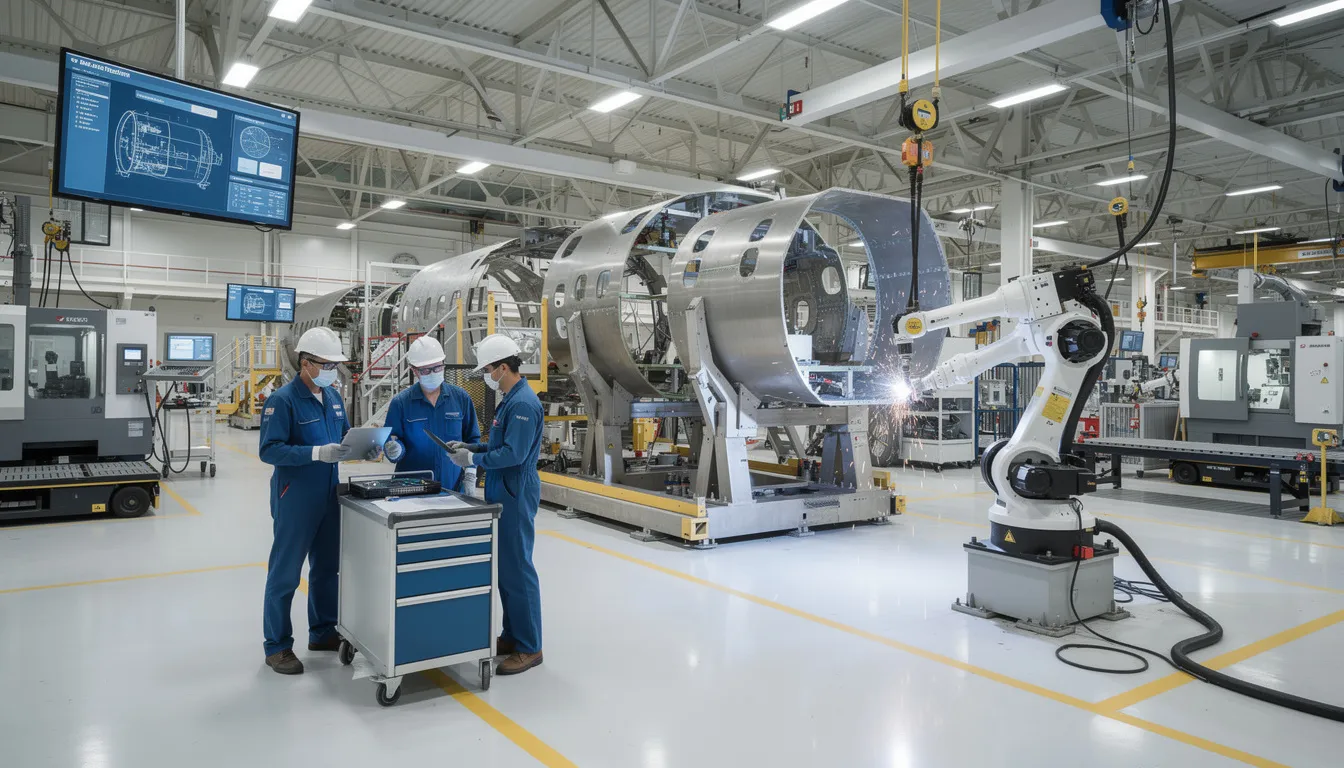
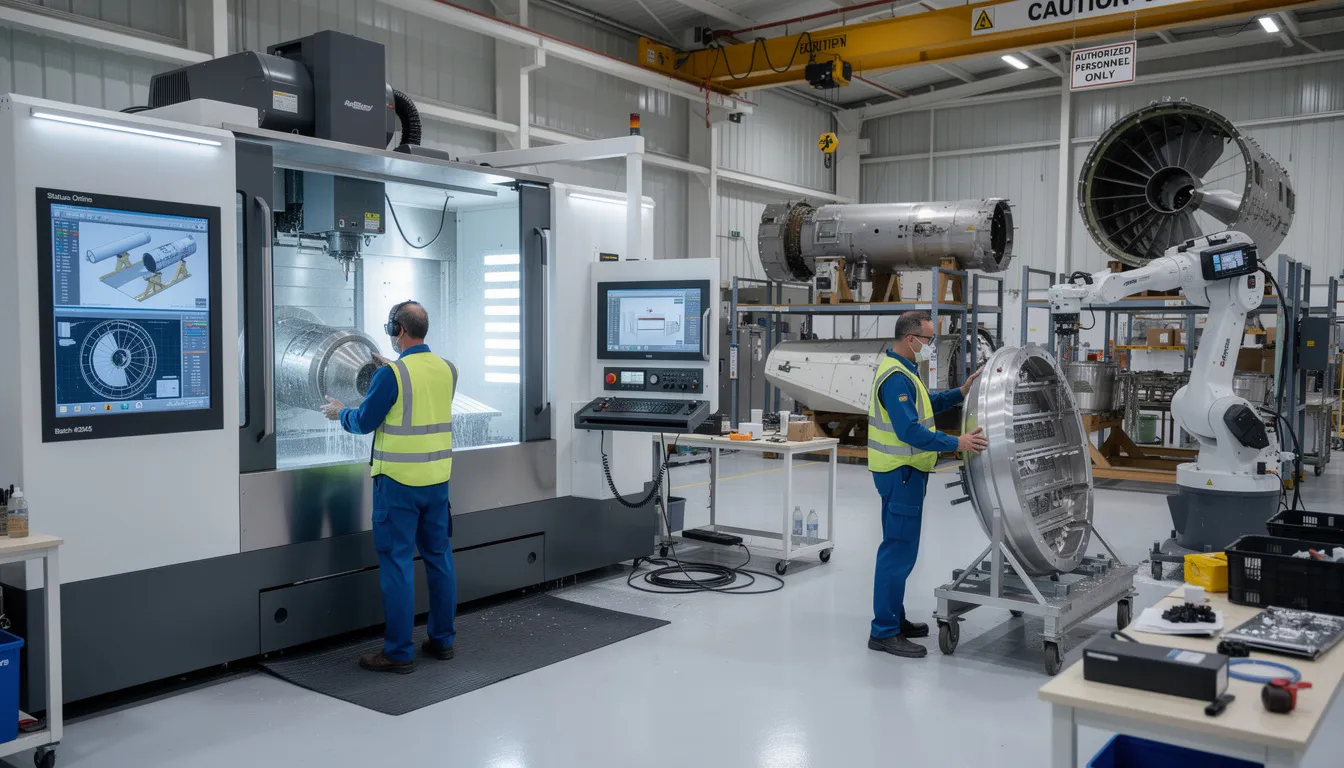
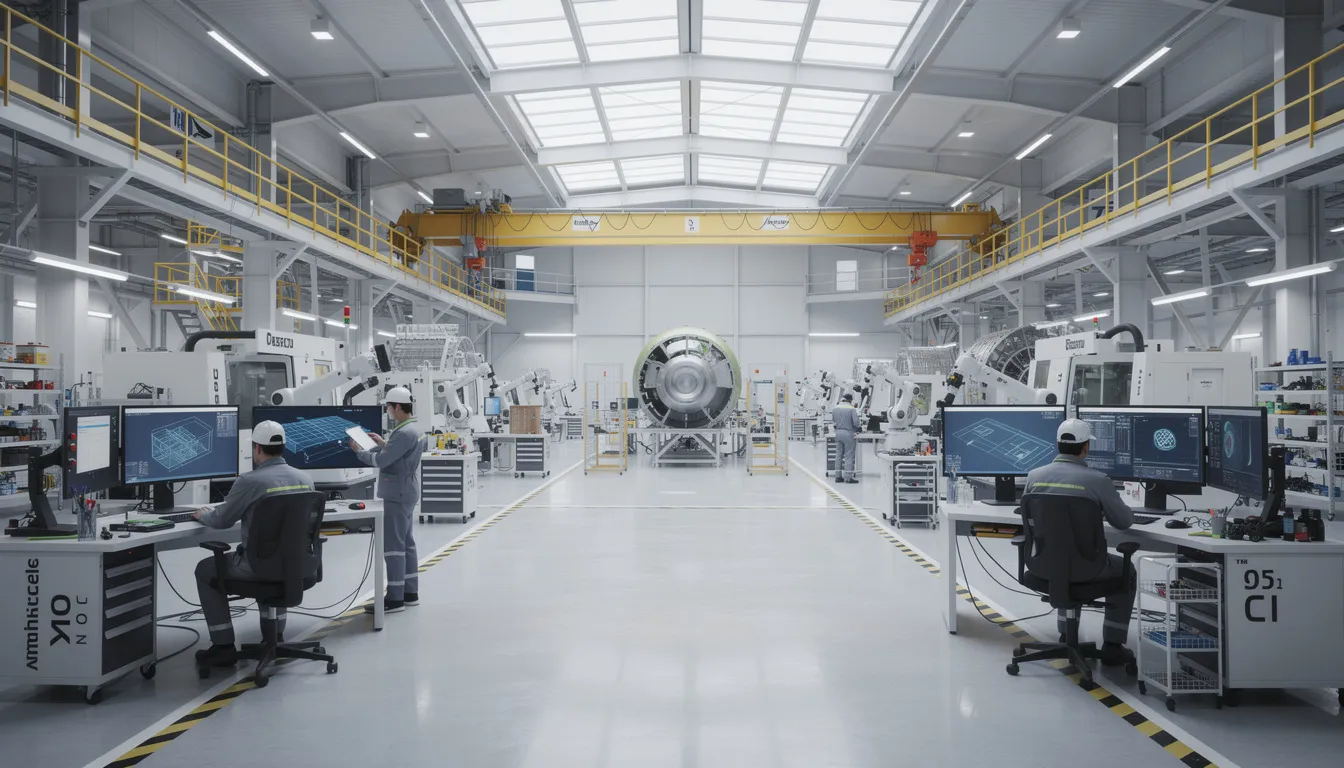
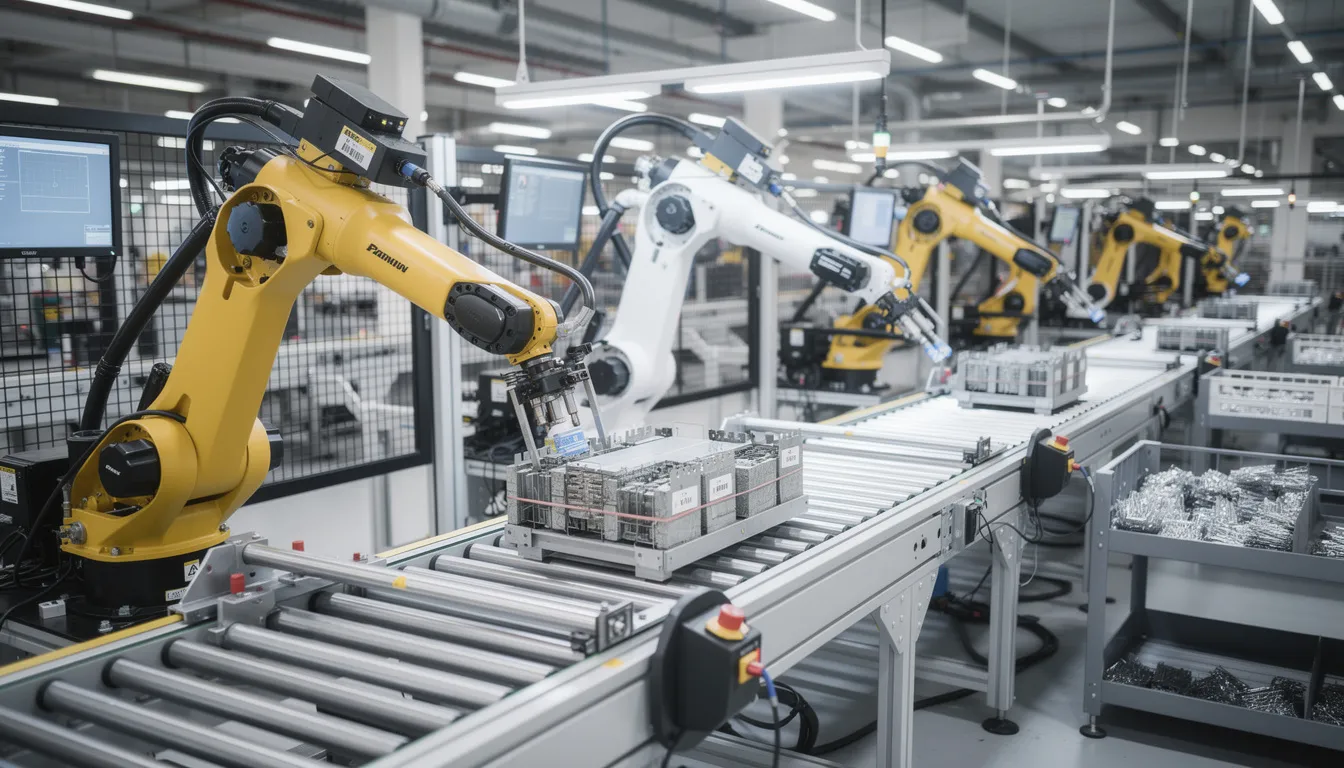
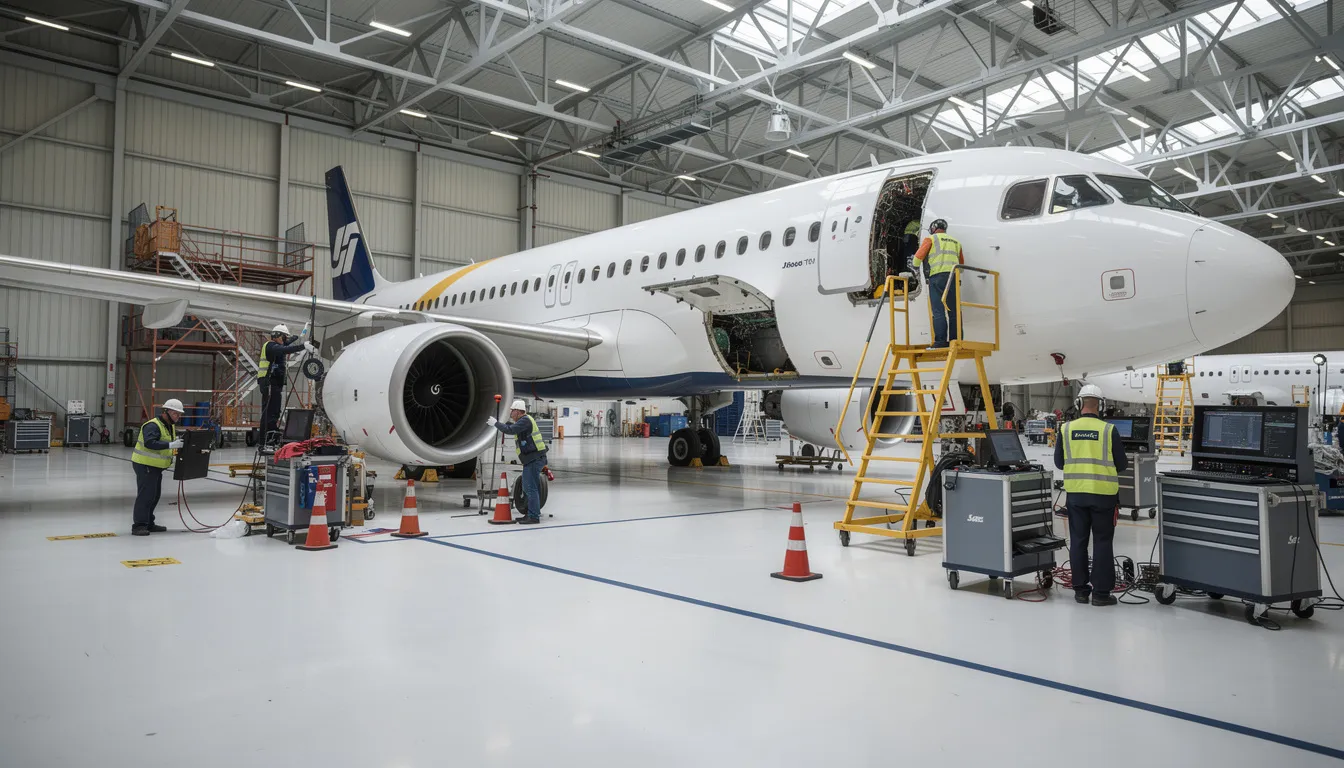
    The image depicts a busy aerospace manufacturing floor where skilled technicians are actively working on aircraft fuselage sections, showcasing their specialized knowledge and expertise in complex manufacturing processes. This environment emphasizes the importance of knowledge capture and sharing among experienced workers to ensure operational excellence and continuous improvement in the aerospace workforce training.

    What Is Aerospace Workforce Training Today?

    Aerospace workforce training operates as a closed-loop system that differs fundamentally from generic manufacturing training. It encompasses onboarding, certification, recurrent training, cross-training, and on-the-job guidance for production and maintenance roles. Each element feeds back into the others, with training status directly influencing work assignments, scheduling, and authorization levels.

    The distinction from other manufacturing sectors lies in regulatory oversight. FAA, EASA, and Transport Canada impose strict requirements around configuration control, safety of flight documentation, and serialized parts traceability. A technician’s training record is not merely an HR artifact. It is part of the audit trail that regulators and customers expect to see when tracing how a particular aircraft was built or maintained.

    Workforce training in aerospace spans a diverse range of roles. Structures and systems assemblers, avionics technicians, composite layup specialists, NDT inspectors, production planners, and MRO line and base maintenance teams all require role-specific competencies and authorizations. Each role intersects with different regulatory requirements and documentation standards.

    Typical training artifacts include digital work instructions, task cards, service bulletin and airworthiness directive compliance documentation, inspection checklists, and repair approvals. These artifacts must integrate with ERP, MES, and QMS systems so that training status and qualifications are visible in daily scheduling and work assignment decisions. The shift from static PDFs to auditable, digital formats linked to specific aircraft configurations, part revisions, and work orders reflects the operational demands of modern aerospace production.

    The Aerospace Knowledge Gap: Tribal Knowledge Loss and Skills Shortages

    Tribal knowledge refers to the unwritten expertise that experienced workers accumulate over years or decades on the job. In aerospace, this includes techniques for rigging flight controls to specification, understanding the nuances of composite repair heat cycles, applying precise torque sequences on critical fasteners, or troubleshooting hydraulic system anomalies that do not appear in any manual. This knowledge lives only in the heads of veteran employees.

    The demographic pressure is severe. By 2030, over 2 million manufacturing roles in the U.S. may remain unfilled. The aerospace manufacturing sector faces particular risk because its products demand decades of service life. Aircraft built today will fly into the 2060s, and the expertise required to maintain and modify them must somehow survive workforce turnover.

    Consider specific scenarios where knowledge loss becomes critical. Legacy platforms like the 737NG or A320ceo will remain in service well beyond 2040. Custom STC modifications often have sparse documentation, relying on the institutional knowledge of the engineers who developed them. MRO shops frequently depend on a single expert for complex structural repairs. When that person retires, the capability may be lost forever.

    Workforce churn, outsourcing to tier-2 and tier-3 suppliers, and program transitions from older fleets to next-generation aircraft all amplify the risk of losing critical knowledge. Each transition creates opportunities for knowledge drain if expertise is not systematically captured and transferred.

    Knowledge capture must be positioned as the foundation of sustainable aerospace workforce training, not a supplementary initiative. Training quality depends directly on the quality and availability of captured manufacturing expertise. Without a living repository of expert insights, new hires learn from incomplete documentation or inconsistent informal guidance.

    Core Building Blocks of an Aerospace Workforce Training Program

    Effective aerospace workforce training rests on several interconnected building blocks. Each element must be traceable, auditable, and integrated with operational systems to support both daily execution and regulatory compliance.

    Role-based skills matrices form the starting point. These matrices map roles to required competencies, licenses, and company-specific authorizations. For EASA Part-145 organizations, this means defining which personnel are authorized for which aircraft types, components, and inspection categories. For FAA Repair Stations, job functions must align with the capability list and individual training records. The skills matrix identifies where coverage exists and where single points of failure create risk.

    Standardized digital work instructions provide the procedural foundation. Unlike paper build books or tribal knowledge passed verbally between shifts, digital instructions offer version control, configuration management, and clear effectivity. Every worker receives the correct revision for the specific aircraft, part number, or work order.

    Competency-based training plans define the progression from novice to qualified operator. These plans specify what training content must be completed, what practical demonstrations are required, and what assessments verify competence. Certification tracking maintains the evidence needed for audits.

    Continuous feedback loops distinguish aerospace training from static curricula. Frontline workers encounter deviations, ambiguous steps, and process improvements every day. A systematic approach to capturing this feedback and updating training materials ensures the knowledge base evolves with actual production experience.

    The difference between procedural training and diagnostic training matters. Procedural training teaches workers to follow step by step guides accurately. Diagnostic training prepares them to troubleshoot and make safe decisions when conditions deviate from the norm. Both are essential skills for manufacturing environments where variability is inevitable.

    Capturing Aerospace Tribal Knowledge and Turning It Into Training Content

    Knowledge capture is the first pillar of aerospace workforce training, particularly as skilled workers retire in increasing numbers. The goal is to extract the essential information from experienced mechanics, inspectors, and manufacturing engineers before they leave, then normalize it into formats that current and future employees can use.

    Practical capture methods include recording expert walkthroughs of complex assembly steps, capturing NDT setup procedures that experienced operators perform instinctively, documenting the tactile feel required for proper composite layup, and interviewing senior planners about routing exceptions and decision making criteria that never made it into formal procedures.

    Connect981 can ingest videos, photos, markups on drawings, and notes on existing SOPs, then contextualize them to specific part numbers, work centers, or MRO tasks. This creates a centralized repository where pertinent information is linked directly to the operations where it applies, rather than buried in shared drives or personal notebooks.

    Concrete practices include scheduling knowledge capture sessions before major retirements, using structured templates for troubleshooting techniques and deviation logs, and treating rework and nonconformance data as learning content. When a veteran employee solves a problem that stumped others, that solution should become part of the documented knowledge base.

    Captured knowledge must be normalized into digital work instructions, inspection plans, and training modules. Left as standalone videos or documents, valuable knowledge remains difficult to find and apply. Integrated into the workflow, it becomes available at the moment of need.

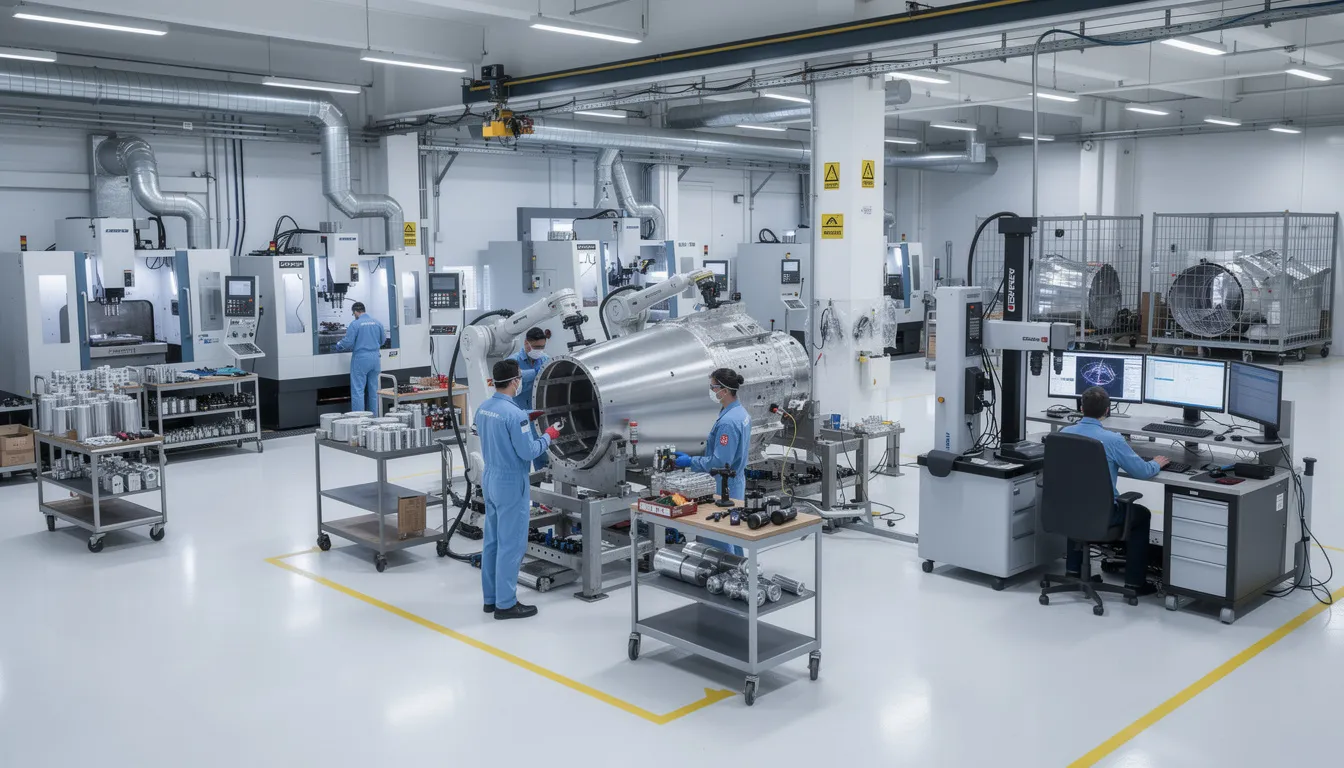
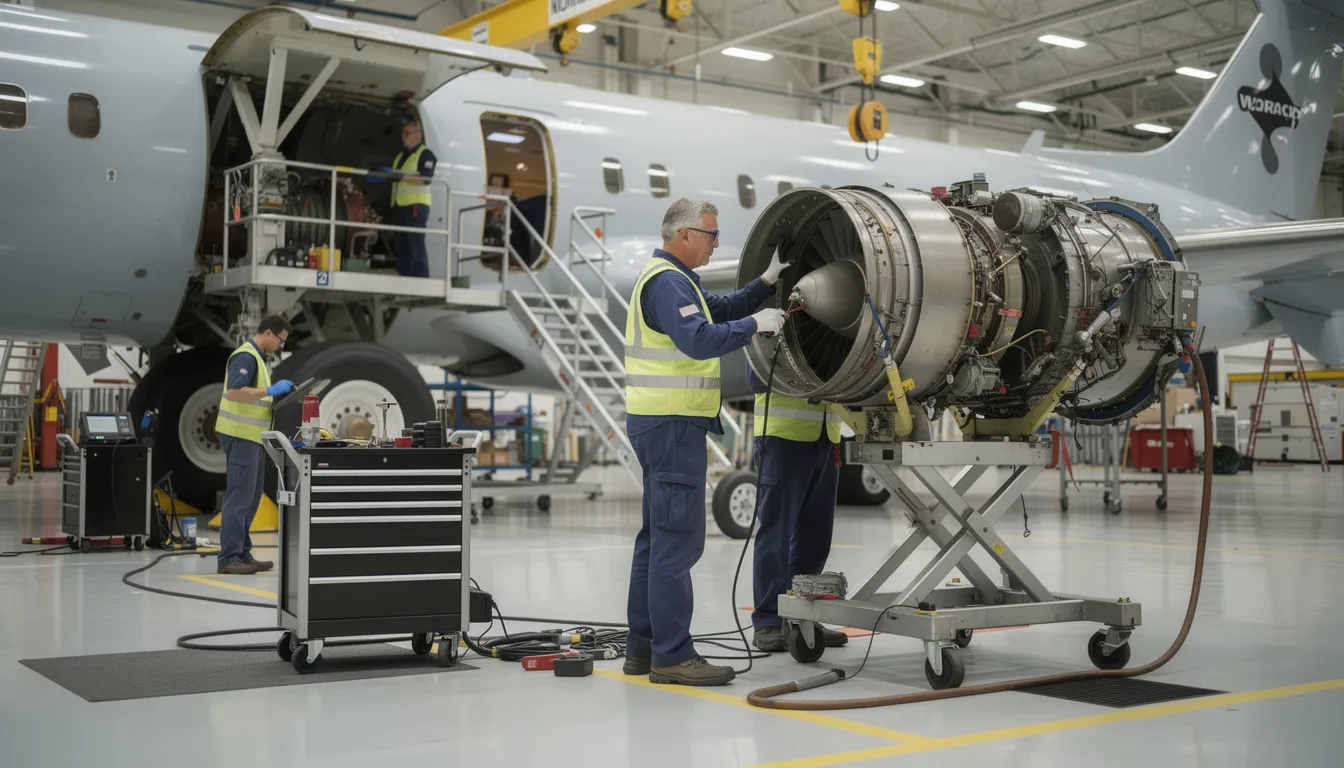
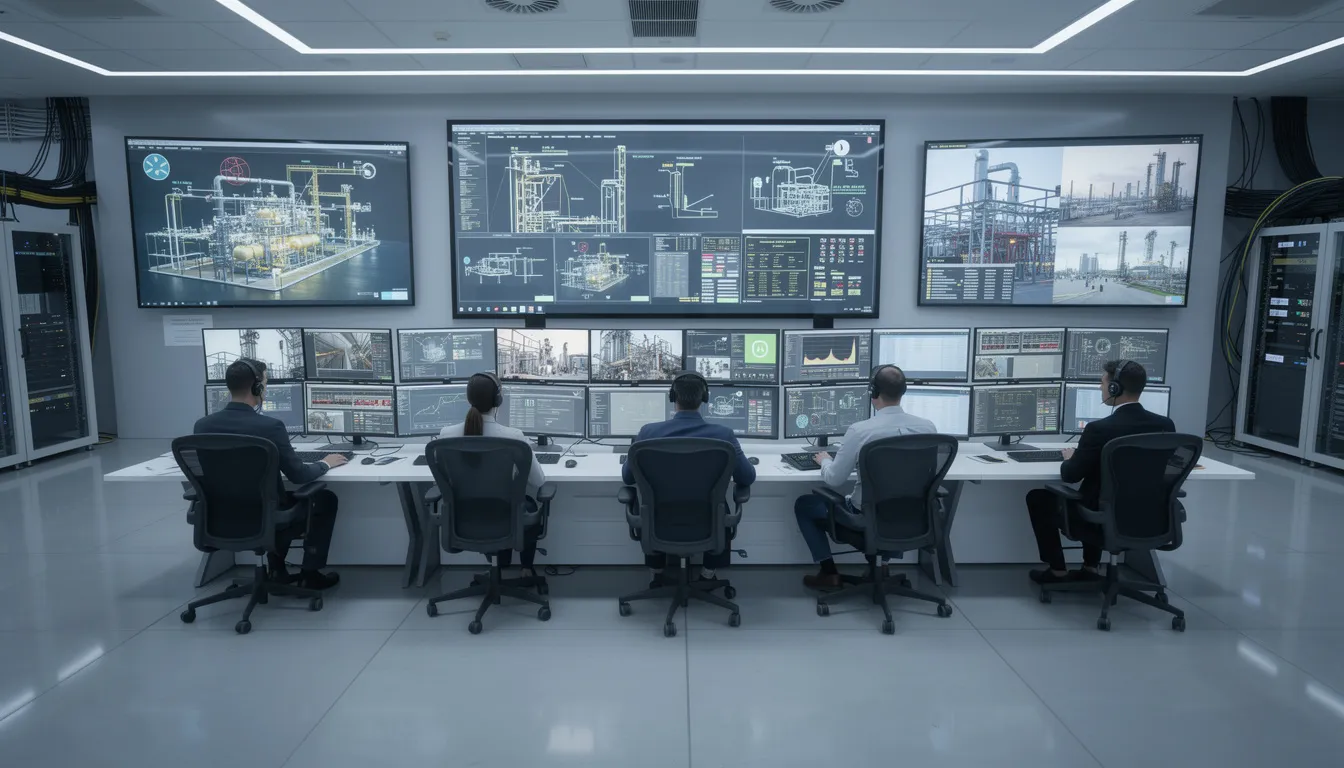
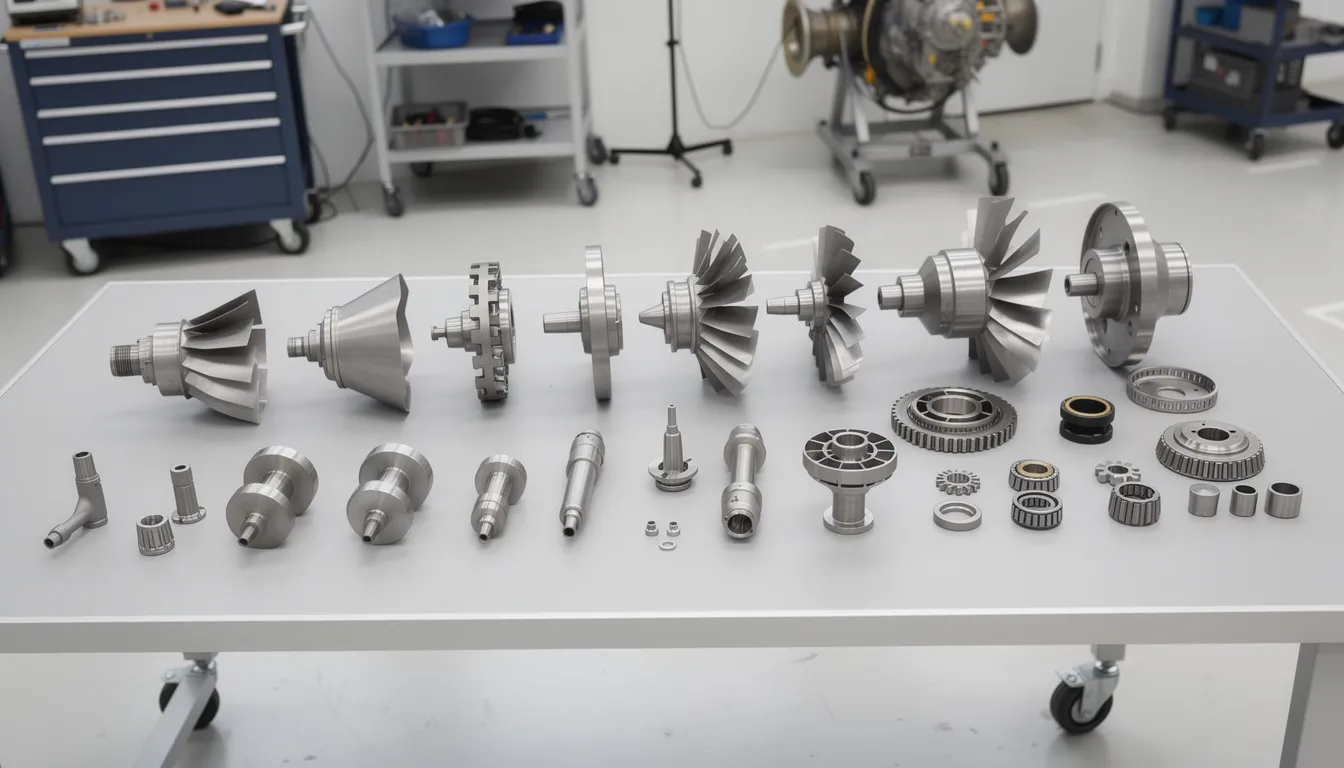
    An experienced technician is demonstrating assembly techniques to a younger worker in an aerospace facility, highlighting the importance of knowledge sharing and capturing critical skills essential for operational excellence in the manufacturing sector. This interaction emphasizes the value of mentoring and collaboration in workforce development, ensuring that vital manufacturing expertise is passed on to future employees.

    From Expert Demonstrations to Digital Work Instructions

    Converting expert demonstrations into digital work instructions follows a practical workflow. A senior technician performs a complex operation while being recorded, explaining each step, highlighting cautions, and noting inspection points. This raw content is then structured into a step by step format with photos, diagrams, and clear acceptance criteria.

    Many aerospace manufacturers still rely on paper build books and routing sheets that accumulated tribal knowledge over decades in handwritten notes and margin annotations. These can be digitized and enriched with captured expertise inside Connect981, preserving the institutional memory while making it accessible and searchable.

    AI-assisted workflows can accelerate this process by extracting steps, tools, torque values, and inspection points from videos or legacy documentation. What previously took months of technical writing effort can be reduced to days, allowing organizations to capture more knowledge from retiring workers before they leave.

    A concrete example: converting a 737NG structural repair demonstration into a reusable, revision-controlled repair instruction. The captured content links to relevant Structural Repair Manual references and approval workflows, creating a complete package that any authorized MRO technician can follow. This eliminates dependence on a single go-to person and makes specialized knowledge available on any shift.

    Identifying Critical Knowledge Areas To Capture First

    Not all knowledge carries equal operational impact. Forward thinking manufacturers prioritize critical knowledge areas based on risk, complexity, and current documentation gaps.

    Priority domains include first article inspection for new programs, complex assembly stations with high defect rates, special process operations such as heat treat or plating, engine and APU overhauls, and structural repairs that require judgment and experience beyond what specifications capture.

    A practical audit process starts with reviewing nonconformance histories, rework hotspots, and delay codes. Operations that consistently require intervention from senior experts are prime candidates. These patterns reveal where tribal knowledge is already compensating for weak process documentation.

    Quality engineers, manufacturing engineers, and experienced operators should collaborate to select initial capture targets and define must-not-lose procedures. This collaborative approach ensures that the knowledge deemed most critical by those who use it daily receives priority attention.

    Connect981 dashboards can surface high-defect routes or long cycle time operations as candidates for knowledge capture and training content development. Rather than guessing where knowledge gaps exist, data-driven analysis points to the operations that would benefit most from systematic documentation.

    Designing Effective Digital Training Content for Aerospace and MRO

    Effective digital training content for aerospace reflects the unique constraints of the industry. Configuration control matters. Regulatory compliance matters. The content must work for frontline workers in manufacturing environments, not just look good in a presentation.

    The evolution from static PDFs and slideshows to interactive digital work instructions reflects how training integrates with actual work execution. Learning modules and microlearning content embedded inside the workflow reach workers at the moment they need guidance, not days before in a classroom.

    Mixing formats improves comprehension and retention. Text instructions work for simple operations. Annotated 3D models clarify complex geometries. Wiring diagrams support avionics work. Short video clips demonstrate techniques that are difficult to describe. Checklists with clear acceptance criteria tied to drawings and specifications ensure nothing is missed.

    Version control and configuration management are non-negotiable. Training content must match the correct aircraft configuration, part revision, or SB/AD status. When an engineering change updates a procedure, the associated training must update as well. Connect981 can manage revisions, approvals, and effectivity so training always reflects the right baseline for specific tail numbers, work orders, or serial numbers.

    On-the-Job, In-Context Training vs. Classroom-Only Learning

    Traditional multi-day classroom training served aerospace manufacturing for decades, but it has fundamental limitations. Workers learn procedures in isolation from actual execution, then must recall them days or weeks later when facing the real task. Details fade. Errors occur.

    Learning in the flow of work delivers guidance at the moment of execution. Operators receive the exact instruction, caution, or short video they need while performing the task, not as a remembered fragment from classroom training.

    Practical examples illustrate the approach. A mechanic scans a QR code on a composite repair fixture and sees a 90-second clip on correct vacuum bagging technique. An assembler receives an in-app reminder of the specific torque sequence for the fasteners they are about to install. An inspector reviews the acceptance criteria on a tablet while examining the part.

    Connect981 can present training prompts, verification checks, or knowledge snippets automatically based on work order context, operator skill level, or recent defect trends for that operation. The system adapts to what the worker needs, when they need it.

    In-context training accelerates time-to-competence while reducing errors that could affect airworthiness or compliance. New employees reach proficiency faster. Experienced operators receive reminders for infrequently performed tasks. Quality assurance improves because the right information appears at the right time.

    Structuring Content for Different Experience Levels

    Aerospace workforce training should be tiered to serve workers at different stages of competence. Novices need visual aids and detailed step by step guides. Intermediates benefit from condensed checkpoints and decision trees. Experts require advanced troubleshooting techniques and diagnostic guidance for non-standard conditions.

    Content structure guidelines follow this progression. New hires see detailed visual instructions with photos, callouts, and explicit cautions for each step. Experienced technicians see summarized checkpoints with branching logic for common variations. Experts access troubleshooting guides and one point lessons addressing rare but high-impact scenarios.

    Tagging content by complexity, certification requirements, and prerequisite skills allows platforms like Connect981 to serve appropriate instructions automatically. A worker new to a station receives full guidance. A worker with documented proficiency sees the abbreviated version.

    This structure supports cross-training programs by allowing workers to progress from basic tasks like hardware installation to higher-complexity jobs like systems integration with clear milestones. Each step builds on documented competencies.

    Differentiated content also helps when ramping temporary staff, contractors, or new suppliers into aerospace-grade processes. Rather than overwhelming them with expert-level procedures or leaving them without sufficient guidance, the system adapts to their current level.

    Operator Onboarding in Aerospace Manufacturing and MRO

    Aerospace onboarding differs from other industries because of the safety, documentation, and regulatory training expectations involved. New employees cannot simply shadow a colleague for a few days and start working independently. The regulatory framework demands documented competence before performing certain operations.

    A typical 90-day onboarding blueprint integrates three streams. Corporate safety training covers general facility requirements, emergency procedures, and organizational expectations. Regulatory training addresses human factors, FOD control, and compliance obligations specific to aerospace. Role-specific training introduces the actual digital work instructions and processes the new hire will execute.

    Linking onboarding modules directly to real operations accelerates learning. Connect981 can assign initial work orders with enhanced guidance and additional verification steps, allowing new hires to perform real work while receiving extra support. This builds practical skills faster than classroom simulations.

    Standardized onboarding reduces variation between sites and suppliers. A mechanic at a tier-2 machining supplier follows the same baseline practices as an OEM line worker when both operate under the same documented procedures. This consistency matters for operational excellence and regulatory compliance.

    Analytics from the platform reveal where new hires struggle. Time-on-step data, help requests, and error patterns identify specific procedures that need clarification or additional training support. This feedback enables continuous improvement of onboarding content rather than repeating the same gaps with each new cohort.

    Blending Compliance Training with Practical Skills

    Mandatory compliance topics like AS9100 awareness, ITAR handling, and human factors training are often delivered as detached courses disconnected from daily work. This approach produces employees who pass quizzes but fail to apply the concepts when they matter.

    Integrating compliance training with practical, job-relevant exercises improves retention and application. An ITAR module can include a scenario of properly handling a controlled drawing in Connect981. Human factors content can reference actual incident cases from the shop floor that illustrate why the principles matter.

    Completion records, quiz scores, and sign-offs must be stored in an auditable way and linked to each worker’s authorization matrix. When an auditor asks to see evidence that a specific employee was trained on a specific instruction revision before performing an operation, that evidence must be readily available.

    Connect981 serves as a single source of truth for training completion data tied to actual work execution history. This linkage simplifies compliance demonstration and reduces the administrative burden of preparing for audits.

    Cross-Training and Workforce Continuity in Aerospace Operations

    Cross-training serves as a strategic response to labor shortages, program ramps, and seasonal MRO demand spikes. Rather than being caught short when a single qualified worker is unavailable, organizations with robust cross-training programs maintain coverage across essential skills and critical knowledge areas.

    Aerospace cross-training requires careful control. Only properly trained and authorized personnel can perform safety-critical tasks. This constraint means cross-training programs must track progress through defined stages and enforce authorization checks before allowing independent work.

    Building a digital skill matrix in Connect981 maps workers to stations, processes, and certifications. The matrix flags single points of failure where only one person can perform a job, highlighting risks that require immediate attention. When experienced workers retire, the matrix shows exactly which capabilities are at risk.

    Structured cross-training plans rotate workers through compatible tasks with step-up training content. A technician might progress from simple wiring harness assembly to more complex avionics integration, with each stage requiring completion of specific training modules and demonstrated competence.

    Cross-training directly supports workforce continuity. When the plan accounts for vacations, medical leaves, and retirements, operations continue smoothly. Transitions between aircraft programs become less disruptive because workers have documented capabilities across multiple product lines.

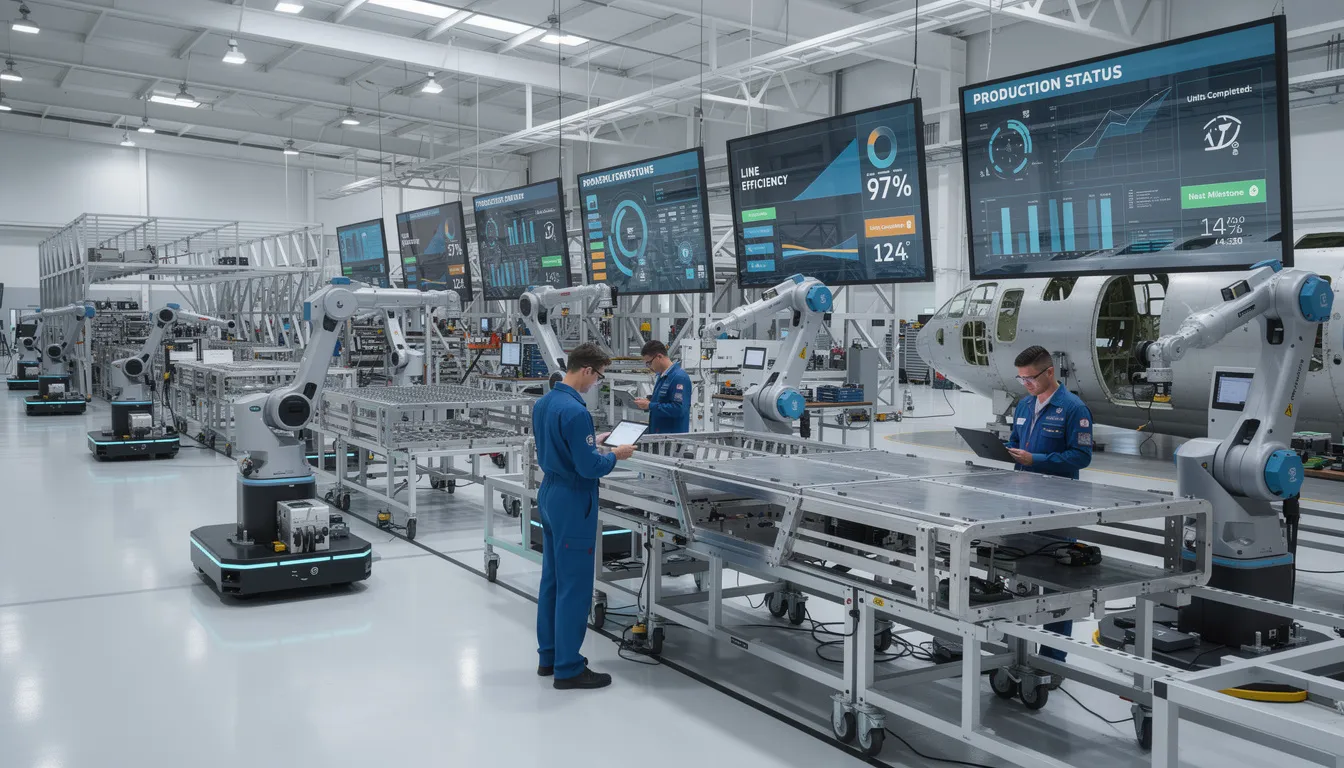
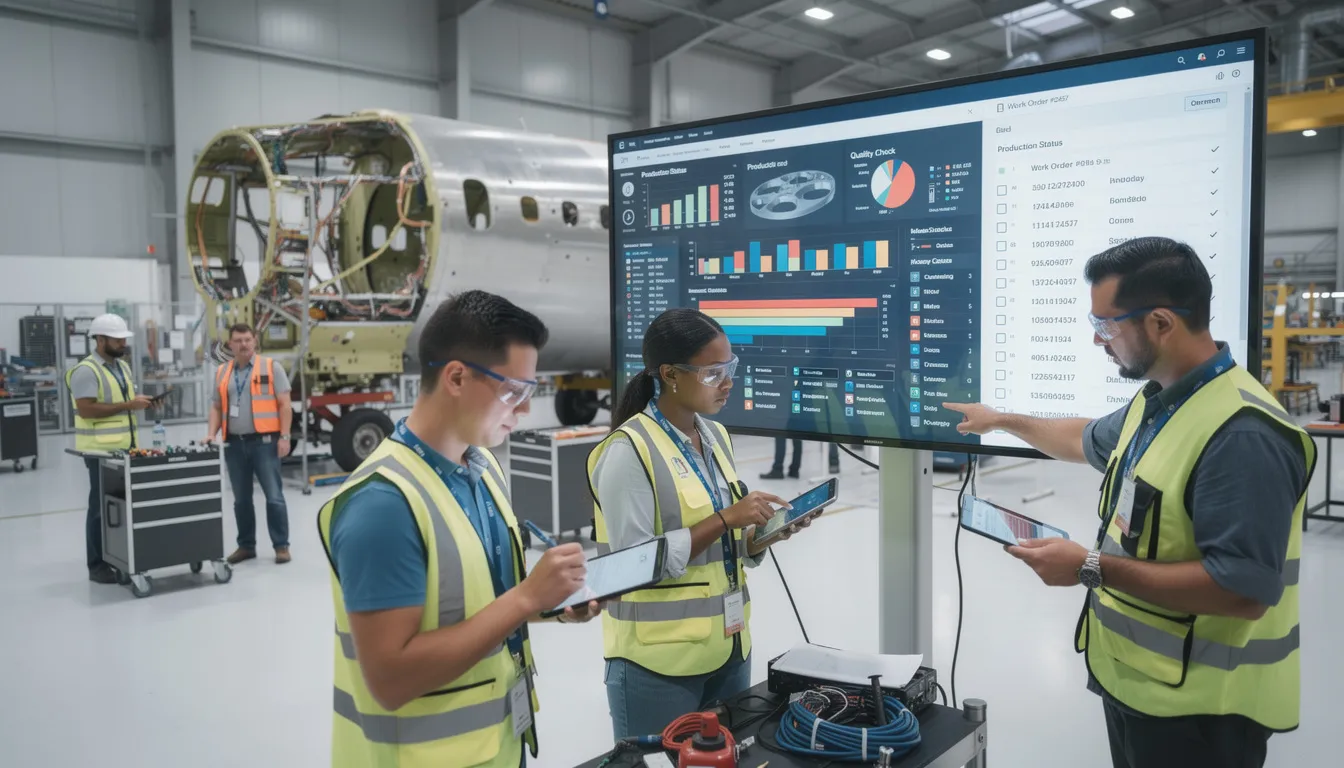
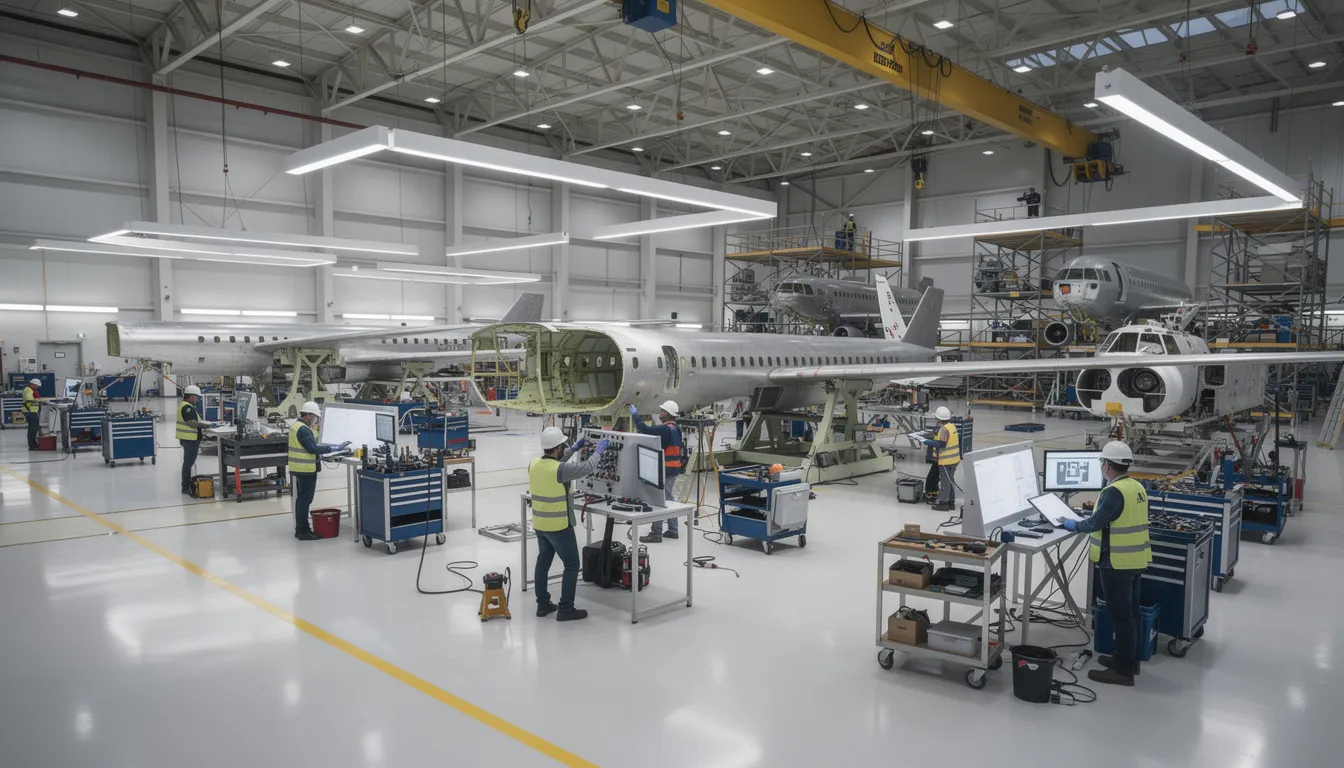
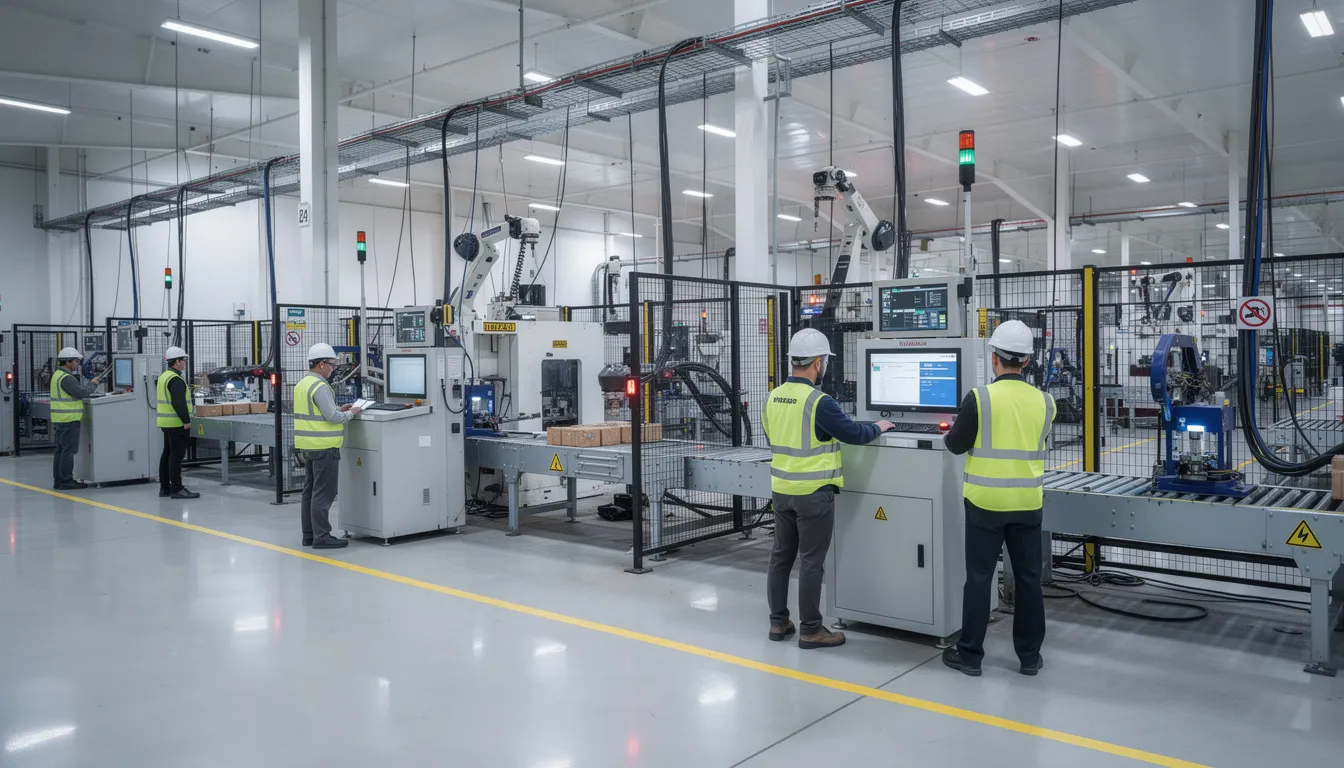
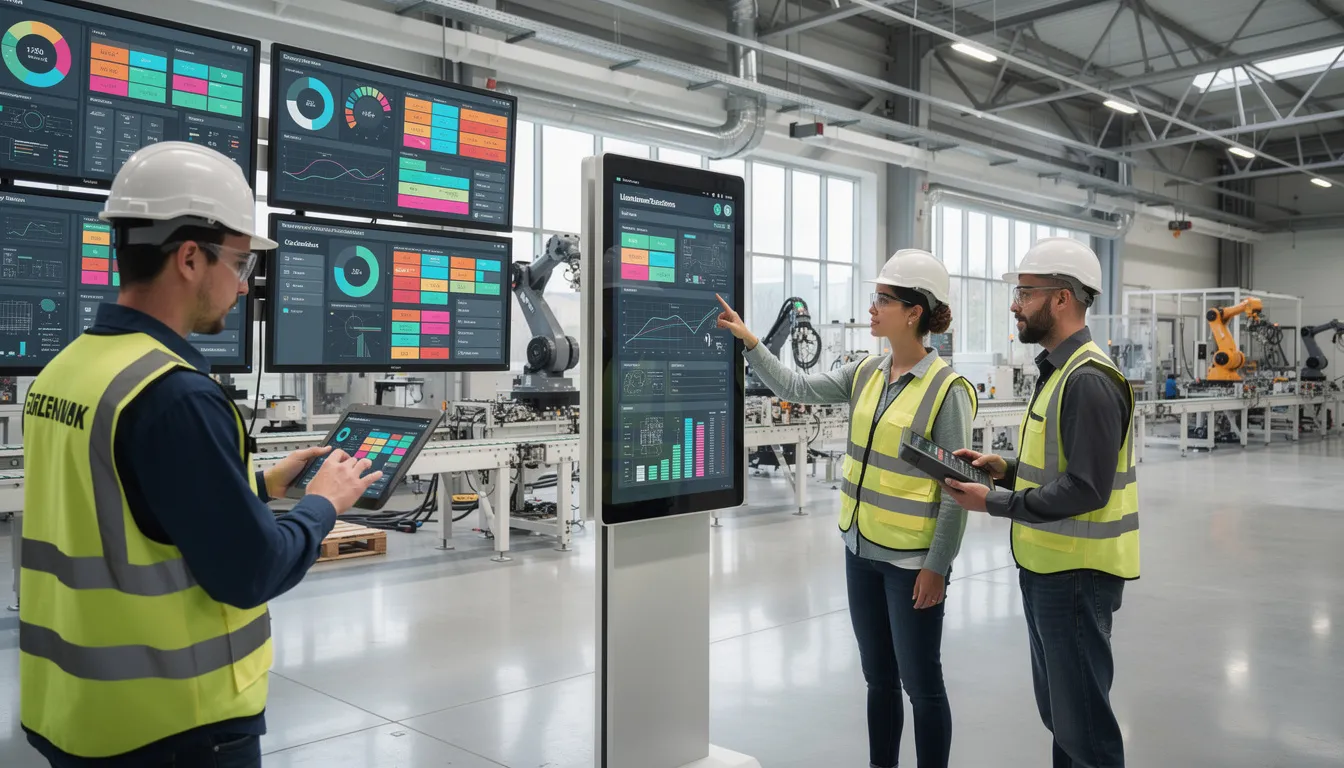
    A group of skilled workers is collaborating on aerospace assembly, utilizing a digital tablet that displays step-by-step work instructions. This scene emphasizes the importance of knowledge sharing and capturing critical knowledge areas to ensure operational efficiency and support the continuous improvement of manufacturing processes.

    Using Data to Target Cross-Training Efforts

    Operational and HR data can guide cross-training investments toward the highest impact areas. Not all cross-training delivers equal value, so prioritization matters.

    Reviewing overtime patterns identifies operations where lack of qualified coverage forces excessive hours. Capacity bottlenecks and schedule delays often correlate with single-qualified positions. Connect981 dashboards can flag these operations as priority targets for cross-training investment.

    Mapping defect and rework rates to specific work centers ensures cross-trained workers learn from stronger experts. Deploying trainees to high-performing stations reinforces best practices rather than propagating errors.

    Cross-training progress should be tracked as workers move from shadowing to assisted execution to independent sign-off. Each stage is captured inside the platform, creating a clear record of who is qualified for what and how they achieved that qualification.

    Program managers can use these insights during risk reviews when planning production ramps, new line setups, or work offloads to suppliers. Knowing exactly where workforce capability exists and where gaps remain enables realistic planning.

    Integrating Training With ERP, MES, QMS, and Supplier Workflows

    Aerospace workforce training must be integrated with execution systems. Workers should not be able to perform work they are not trained or authorized to do. This integration transforms training from an HR function into an operational control.

    Connect981 sits as a unifying layer that pulls data from ERP for orders and parts, MES for operations and routing, PLM for BOM and CAD references, and QMS for nonconformances and audit findings. These data sources drive training requirements dynamically.

    When a new process, engineering change, or service bulletin is introduced, the platform triggers training updates and must-read acknowledgements before workers execute affected operations. This ensures that process documentation changes flow through to the people who execute the work.

    Supplier scenarios extend this integration. Tiered suppliers can receive digital instructions and training artifacts via Connect981, ensuring consistent execution and documentation across the extended enterprise. When a prime contractor updates a procedure, the supplier workforce receives the same update.

    This integration supports audit readiness in tangible ways. Organizations can trace a nonconformance back to training status, revision history, and specific work instructions used at the time. This traceability demonstrates operational continuity and regulatory compliance.

    Ensuring Only Qualified Workers Execute Safety-Critical Tasks

    Aerospace organizations must enforce competency and authorization checks before work assignment. This is especially critical for operations like NDT inspection, structural repairs, engine disassembly, and final buy-off inspections.

    Connect981 can enforce rules that prevent assignment of certain operation codes to workers missing required training, licenses, or internal approvals. The system checks qualifications automatically during scheduling and work assignment.

    A concrete example: blocking a technician without current borescope inspection training from being assigned to a C-check engine inspection task. The assignment simply cannot proceed until the required recurrent training is completed and documented.

    Such controls reduce regulatory findings, quality escapes, and costly rework while giving operations leaders confidence in their daily scheduling decisions. When the system enforces compliance automatically, supervisors can focus on execution rather than manual verification.

    These capabilities simplify audit demonstrations. Organizations can show FAA, EASA, or customer auditors clear evidence of who was authorized to do what, and when, with direct links to training completion records.

    Measuring the Impact of Aerospace Workforce Training

    Aerospace workforce training investments must be justified with measurable outcomes tied to safety, quality, delivery, and cost. Vague claims of improved capability do not satisfy leadership or support continued investment.

    A focused set of KPIs includes:

    KPI

    What It Measures

    Time-to-competence

    Days from hire to independent work authorization

    Rework and scrap reduction

    Percentage decrease in quality defects

    FAI defect rate

    First article inspection pass rate

    Training-related audit findings

    Regulatory and customer audit results

    MRO TAT

    Turnaround time improvement in maintenance operations

    Data from Connect981 enables correlation analysis. Usage of work instructions, help requests, deviation flags, and defect reports can be matched against training completion to assess which training interventions actually improve outcomes.

    Engagement metrics provide leading indicators. Frequency of access to instructions, completion of microlearning modules, and feedback submitted by operators reveal whether training content is being used and whether it meets frontline needs.

    Before and after case examples make the value concrete. A 20% reduction in rework on a wing assembly line after updating training and work instructions demonstrates ROI in terms leadership understands.

    Continuous Improvement of Training Content and Knowledge Base

    A governance loop ensures training materials evolve with operational experience. Feedback from operators, inspectors, and supervisors flows back into updates. This is not optional for aerospace, where products and regulations change continuously.

    Assigning owners for specific process instructions creates accountability. Manufacturing engineers and quality engineers responsible for particular processes are accountable for updates when nonconformances, engineering changes, or customer feedback indicate a need.

    Connect981 can flag outdated content, show which instructions are rarely accessed, and highlight operations with frequent deviations. These signals identify candidates for training improvement before problems escalate.

    Aerospace expertise is dynamic. New aircraft variants, new composite materials, and new repair schemes all require updates to the knowledge base and associated training. A cadence of quarterly reviews for high-risk operations ensures alignment with evolving products, regulations, and customer expectations.

    Building a Culture That Values Knowledge Sharing and Training

    Cultural challenges often pose greater obstacles than technical ones. Some technicians protect their expertise, viewing it as job security. Others are skeptical of digital tools after experiencing poorly designed systems. Training fatigue accumulates when programs feel disconnected from actual work.

    Leadership must position knowledge sharing and training as core to flight safety, program success, and professional pride. This is not administrative overhead. It is how aerospace organizations maintain their capability and reputation.

    Practical cultural levers include recognition programs for knowledge contributors, mentor and mentee pairings that formalize knowledge transfer, and involving frontline experts in designing digital instructions. When experienced operators help build the content in Connect981, adoption improves and quality increases.

    Addressing job security concerns directly matters. Documenting expertise increases an expert’s influence and legacy. It makes their knowledge available to future employees and demonstrates their contribution. This framing shifts the narrative from replacement to recognition.

    Digital tools gain adoption when they visibly make work easier. Fewer surprises, clearer instructions, less paperwork, and quick access to pertinent information all build positive reinforcement. Early pilots should target painful processes where improvement is immediately obvious.

    Change Management for Digital Training and Knowledge Capture

    Rolling out digital aerospace workforce training and knowledge capture across one or more sites follows established change management principles adapted to manufacturing environments.

    Starting with a pilot area limits risk and builds proof points. A critical assembly line or MRO check bay provides a contained scope with measurable outcomes. Selecting respected technicians as champions accelerates peer adoption.

    Clear communication about goals, timelines, and system interactions sets expectations. Emphasizing that Connect981 does not require a full ERP or MES replacement reduces resistance from IT and operations stakeholders.

    Hands-on support on the shop floor during early usage is essential. Workers who can ask questions and see quick fixes to issues with instructions or workflows build confidence in the system. Problems resolved immediately do not become entrenched objections.

    Scaling to multiple factories and suppliers requires standardized templates with local flexibility. Connect981’s low-code workflows enable manufacturing engineers to adapt procedures for site-specific equipment or supplier capabilities without central IT involvement.

    How Connect981 Supports Aerospace Workforce Training and Knowledge Capture

    Connect981 serves as a unified operations platform designed specifically for aerospace manufacturing and MRO realities. Unlike generic manufacturing software adapted from other industries, it addresses the configuration control, traceability, and documentation demands that aerospace requires.

    Key capabilities relevant to workforce training include:

    • Digital work instructions with version control and configuration management
    • Operator guidance delivered at the workstation via tablet or terminal
    • Integrated quality checks tied to instructions and part numbers
    • Supplier collaboration tools for extending training content to the extended enterprise
    • Training completion tracking linked to work execution history
    • Qualification enforcement that prevents unauthorized work assignment

    Zero and low-code workflow tools allow manufacturing engineers and quality leaders to build training-oriented workflows without large IT projects. Drag and drop templates accelerate deployment. The platform adapts to existing processes rather than forcing rigid standardization.

    AI-assisted analytics identify training gaps, recurring issues, and process variations. These insights feed targeted updates to instructions and onboarding content, supporting a continuous learning environment that evolves with operational experience.

    Organizations ready to unify their tribal knowledge, training documentation, and operator workflows into a single, audit-ready system can request a demo to see how Connect981 addresses their specific challenges.

    Conclusion: Turning Aerospace Workforce Training Into a Strategic Advantage

    Aerospace workforce training has evolved beyond classroom sessions and static manuals. Capturing tribal knowledge from retiring workers, digitizing and standardizing that expertise, and delivering it at the point of work across factories and MRO networks defines modern workforce development.

    The stakes are clear. An aging workforce creates knowledge drain that threatens operational efficiency and quality. Complex regulatory requirements demand traceability and audit readiness. Production backlogs and MRO demand require accelerated competence development for the next generation of manufacturing workers.

    A connected platform like Connect981 enables continuous learning, cross-training, and workforce continuity by linking training content to real operations and data. Knowledge management systems that integrate with execution systems transform training from administrative overhead into operational advantage.

    Aerospace leaders in operations, quality, MRO, and digital transformation should treat training and knowledge capture as core to their smart factory and connected shopfloor strategy. Organizations that invest now in digital workforce training foundations will be better prepared for new aircraft programs, advanced materials, and evolving regulatory demands through 2030 and beyond. The long term success of aerospace manufacturing depends on preserving today’s expertise for tomorrow’s workforce.

  • Plant steward

    A plant steward commonly refers to a person who looks after a defined area, process, or set of operational responsibilities within a manufacturing plant. The role is usually local and hands-on, focused on sustaining agreed standards, coordinating follow-up actions, and serving as a point of contact for issues related to the assigned area.

    The term is not a universal job title with one fixed meaning. In some organizations it is a formal role; in others it is an informal designation for someone who helps maintain ownership of a workspace, system, line, or compliance-related activity.

    What the role typically includes

    • Monitoring whether plant standards are being followed in a specific area
    • Helping keep documentation, visual controls, or records current at the point of use
    • Escalating issues involving safety, quality, maintenance, housekeeping, or workflow discipline
    • Coordinating with operations, engineering, quality, maintenance, or EHS personnel as needed
    • Supporting continuity when multiple shifts or teams use the same area or equipment

    Depending on the site, a plant steward may be associated with 5S ownership, line readiness, area governance, equipment care, document control at the work center, or other day-to-day plant coordination activities.

    How it appears in operations

    In practice, a plant steward often acts as the named owner or caretaker for a specific operational domain. Examples include stewardship of a production cell, cleanroom support area, digital work instruction station, tool crib, or material staging zone. The role commonly centers on visibility and follow-through rather than direct managerial authority.

    In regulated environments, the role may also involve helping ensure that approved procedures, training references, labels, logs, or status indicators remain available and current where work is performed. This does not by itself make the person the formal quality authority or compliance owner.

    Common confusion

    Plant steward is often confused with plant manager, area owner, or custodian. A plant manager is responsible for broader site performance and leadership. An area owner may have formal accountability for results, budget, or staffing. A custodian usually refers to cleaning or facility upkeep. A plant steward more commonly refers to stewardship of standards, condition, coordination, and local operational discipline within a defined scope.

    The term can also be confused with shop steward, which usually refers to a union representative. That meaning is distinct from plant operations stewardship.

  • How can I upskill existing manufacturing engineers to work with data scientists?

    Yes, but the practical goal is usually not to turn manufacturing engineers into data scientists.

    The better goal is to make manufacturing engineers strong domain counterparts who can frame the right process questions, interpret plant context, spot bad data, and help move analytics into controlled operational use. In regulated manufacturing, that boundary matters. A technically impressive model can still fail if it ignores routing logic, equipment state definitions, genealogy gaps, calibration status, revision control, or change control requirements.

    What to upskill first

    Focus on a short list of capabilities that improve collaboration quickly:

    • Problem framing: translate production pain points into specific, testable questions such as yield loss by operation, queue-time effects, setup variation, scrap drivers, or rework recurrence.

    • Data literacy: understand common plant data sources, timestamps, identifiers, missing data patterns, sampling limits, and why ERP, MES, historian, QMS, and spreadsheet extracts often disagree.

    • Process context for analytics: explain routings, standard work, machine states, part genealogy, revision changes, inspection steps, and exception handling so models are not trained on misleading data.

    • Basic statistical reasoning: distinguish signal from noise, correlation from causation, and process drift from one-off events.

    • Validation mindset: know that any operational use of analytics may require documented testing, versioning, approvals, retraining controls, and evidence trails depending on how outputs influence decisions.

    • Communication with technical teams: write clearer requirements, review assumptions, define acceptable error, and identify where false positives or false negatives would create operational risk.

    What to avoid

    Do not start with a broad curriculum on advanced machine learning tools and expect adoption. That often produces slide-level understanding without improving plant decisions.

    Also avoid treating manufacturing engineers as data labelers for a centralized team. If they are only asked to clean data after the fact, collaboration usually breaks down because the real issue is upstream process definition, identifier consistency, or system integration debt.

    How to structure the upskilling program

    A workable model is usually part training, part applied delivery:

    1. Select 2 or 3 real use cases with measurable operational value, such as scrap reduction, bottleneck identification, or cycle-time variance.

    2. Pair engineers with data scientists in short sprints. The engineer owns process context and operational constraints. The data scientist owns analytical method and model evaluation.

    3. Train on the plant’s actual data landscape, not generic examples. Include MES events, historian tags, QMS records, maintenance logs, and manual workarounds where relevant.

    4. Create a common working vocabulary for identifiers, event definitions, state models, and quality status so teams are not arguing over inconsistent meanings.

    5. Require documented assumptions for data filters, exclusions, feature definitions, and decision thresholds.

    6. Review outputs with operations and quality before wider use. Some findings will be technically valid but operationally unusable.

    What success looks like

    Success usually looks like manufacturing engineers being able to do the following:

    • Bring better-defined use cases to analytics teams

    • Challenge misleading outputs using process knowledge

    • Identify data collection gaps early

    • Help operationalize useful models into existing workflows

    • Support traceable updates when process changes affect the model or KPI logic

    It does not necessarily mean they build production-grade models on their own.

    Brownfield reality

    In most plants, upskilling efforts succeed or fail based less on classroom content and more on system conditions. If MES transactions are incomplete, historian tags are poorly mapped, part and lot identifiers do not reconcile across systems, or quality events live in disconnected workflows, engineers and data scientists will spend most of their time debating data trust.

    That is why coexistence with current systems matters. In regulated, long-lifecycle environments, full replacement of MES, ERP, PLM, or QMS just to support analytics is often unrealistic. The qualification burden, validation cost, downtime risk, integration complexity, and traceability impact are usually too high. A more practical path is to improve data contracts, mappings, and governance around the existing stack while targeting a few high-value workflows first.

    Key tradeoffs

    • Breadth versus depth: broad training raises awareness, but role-based training tied to actual use cases usually changes behavior faster.

    • Speed versus control: rapid experimentation is useful, but if outputs influence production or quality decisions, governance needs to catch up before scale-out.

    • Centralization versus plant ownership: centralized data science can improve consistency, but local engineering ownership is usually necessary for adoption and sustained accuracy.

    • Automation versus explainability: more complex models may perform better on paper but can be harder to validate, trust, and maintain in regulated operations.

    If you want durable results, train manufacturing engineers to be disciplined translators between process reality and analytics, not generic citizen data scientists.

  • overtime

    Core meaning

    In industrial and manufacturing contexts, **overtime** commonly refers to hours worked by employees beyond their standard or contracted working schedule. These hours are usually:

    – Logged separately from regular time in timekeeping and HR systems
    – Paid at a different (often higher) rate than base pay, according to company policy or labor rules
    – Tracked as a distinct labor cost category in MES, ERP, or payroll systems

    Overtime can apply to direct production labor, maintenance staff, engineering support, quality personnel, and supervisors, depending on local policies and contracts.

    Use in manufacturing and regulated operations

    In manufacturing environments, overtime is typically used to:

    – Cover peak demand or backlog without adding permanent headcount
    – Recover from unplanned downtime, rework, or quality issues
    – Support extended production windows (e.g., weekend or night work) for critical programs

    Operational systems often represent overtime as:

    – A separate cost element or labor rate in ERP/MES routing and work-center data
    – A flag on time tickets or labor confirmations (regular vs. overtime)
    – A dimension in reporting for labor utilization and schedule adherence

    Treatment in MES, ERP, and cost analysis

    Within MES and integrated ERP environments, overtime is usually:

    – Captured via shop floor time entry (badges, terminals, or interfaces to timekeeping systems)
    – Allocated to work orders, operations, or cost centers
    – Rolled up into total labor cost per unit or per batch

    Executives and operations teams may analyze overtime to:

    – Understand labor cost drivers for specific products, lines, or programs
    – Distinguish structural capacity gaps from short-term variability
    – Assess the impact of schedule compression, rework, or low yield on labor costs

    In regulated industries (such as aerospace, pharma, or medical devices), overtime may also be monitored because extended shifts can affect operator fatigue, which in turn may influence error rates and quality outcomes.

    Boundaries and exclusions

    In this context, **overtime**:

    – **Includes**: Paid working time beyond the standard shift or workweek, whether on the production floor, in maintenance, or in support roles when explicitly tracked as overtime.
    – **Excludes**:
    – Uncompensated extra effort not recorded in timekeeping systems
    – Machine runtime beyond normal hours when no additional labor time is recorded
    – Capital equipment overutilization (this is better described as capacity utilization or extended run time, not overtime)

    Overtime is a labor time and cost concept, not a machine or asset utilization measure, even though extended human presence may enable longer asset operation.

    Common confusion and related terms

    Overtime is sometimes confused with:

    – **Capacity utilization**: The degree to which a production line or asset is used relative to its maximum rated capacity. Capacity utilization relates to equipment and system throughput, not directly to labor hours.
    – **Shift work**: Planned working patterns that use multiple shifts (e.g., 2-shift or 3-shift operation). Overtime can occur within any shift structure but is not the same as the shift pattern itself.
    – **Expediting or schedule compression**: Management actions to accelerate work. These may result in overtime but can also involve other levers (e.g., re-sequencing work, reassigning staff, or subcontracting).

    Clear distinction is important when analyzing root causes of higher labor costs or missed schedules.

    Site context: connection to cost metrics in MES

    When manufacturing executives use MES data to track cost, **overtime** is frequently treated as a separate component of labor cost. It may appear in metrics such as:

    – Manufacturing labor cost per unit (with a split between regular and overtime labor)
    – Cost of poor quality or rework, when overtime is incurred to correct defects
    – Schedule-driven costs, where aggressive deadlines cause sustained overtime usage

    For these analyses to be meaningful, overtime hours must be reliably captured, correctly associated with work orders or cost centers, and reconciled with ERP and payroll records.

  • Where should we start when implementing digital work instructions?

    In regulated and mixed-system environments, the best place to start is a tightly scoped pilot that proves value on real work, with real operators, under current constraints. Trying to digitize every work instruction at once almost always stalls on validation, approvals, and integration complexity.

    1. Clarify why you are doing this

    Before choosing a line or tool, define 2 to 3 measurable objectives. For example:

    • Reduce specific defect types linked to outdated or unclear instructions.
    • Shorten training time to proficiency for a critical operation.
    • Reduce deviation use or rework on particular part families.
    • Improve evidence for audits (e.g., who used which revision, when).

    These goals will drive how you configure the system (e.g., required sign-offs, data capture, photo evidence) and how you evaluate the pilot.

    2. Pick the right place to pilot

    Do not start with the most complex cell in the factory, but also avoid a trivial showpiece that no one cares about. Good starting candidates typically:

    • Have repeatable operations (not pure one-offs), even in high-mix.
    • Show recurring quality or escape risks traceable to instruction clarity, access, or revision control.
    • Rely heavily on tribal knowledge or shadow documents at the workstation.
    • Are important enough that supervisors and engineers will invest time.
    • Have workable access to existing systems (ERP/MES/PLM/QMS) for at least basic reference data like part, revision, and router/operation.

    Many plants start with one value stream, cell, or repair station where operators already complain about paperwork or conflicting instructions.

    3. Map your current instruction and approval process

    Digital work instructions are not just a viewer. They sit on top of your current document control and approvals. Before configuring anything, map how it works today:

    • Where the master work instructions live (PLM, DMS, shared drive, paper binders).
    • Who owns content (manufacturing engineering, quality, process engineering).
    • How revisions are requested, approved, released, and communicated.
    • What signatures or electronic records are required and where they are stored.
    • What is considered the official source of truth during an audit.

    This mapping will expose conflicts, such as two systems both claiming to be the master, or engineers updating PDFs that never reach the floor. You want to avoid embedding those failure modes into the digital layer.

    4. Decide the minimum viable data and integrations

    You do not have to integrate everything on day one. In brownfield environments, full replacement or full integration too early can stall for months. For a first phase, decide the minimum required to be safe and auditable:

    • Must-have linkage: part number, operation or task ID, revision, and effective date.
    • Preferable: connection to the current work order or traveler (scanned barcode or manual selection) so usage can be traced.
    • Later phases: automatic MES/ERP integration, automatic defect/NC logging, or training record updates.

    Document which system remains the master for each element (routing, BOM, instruction content, NC data). Plan around that; do not assume the digital work instruction platform will or should replace MES or PLM in regulated environments.

    5. Start with a limited instruction scope and depth

    Trying to digitize all instructions for a product family in full detail can overwhelm both authors and approvers. A safer pattern is:

    • Select 10 to 30 key operations across 1 to 2 part families or repair types.
    • For each, digitize the current approved content with clearer structure and visuals, but retain the same technical meaning.
    • Add only a few new capabilities at first (e.g., mandatory photo capture, in-process checklists, or parameter confirmation), so validation and training stay manageable.

    This allows you to validate the template structure, approval workflows, and operator experience before scaling to hundreds of operations.

    6. Co-design with operators and supervisors

    Operators will live with the system. Involve them early to avoid a tool that is technically correct but unused. For the pilot area:

    • Run short working sessions at the line to understand pain points with current instructions.
    • Prototype screen layouts on paper or in a test system and let operators walk through real jobs.
    • Align navigation with how work is actually performed, not just the routing structure.
    • Check readability on the actual hardware and lighting conditions in the cell.

    Capture feedback systematically and decide in advance which aspects are fixed for compliance and which are flexible based on operator preference.

    7. Define governance, version control, and change control

    Before you release digital work instructions to production, you need a governance model that fits your QMS and validation practices:

    • Who can author, edit, and approve instructions within the tool.
    • How draft, review, and released states map to your existing document statuses.
    • How revisions are tied to part and operation revisions from PLM or ERP.
    • How you will demonstrate during an audit which instructions were in effect for specific work orders, serials, or batches.
    • How changes are validated and documented before going live (especially if instructions influence quality-critical characteristics or safety).

    In long-lifecycle environments, this governance is often the rate-limiter. Invest the time up front; it is harder to retrofit robust change control after a casual pilot has grown.

    8. Choose hardware and access patterns that work today

    Digital work instructions depend on real-world constraints at the workstation:

    • Confirm power, network, and mounting options in each pilot area.
    • Decide whether devices are shared or dedicated per station.
    • Plan for log-in/log-out and user identification that fits shift patterns and IT controls.
    • Consider offline or degraded network modes if Wi-Fi is unreliable.

    Start with the smallest hardware set that proves the concept, but make sure it can pass your IT and cybersecurity requirements.

    9. Define how you will measure success

    Before go-live, specify what you will track during the pilot and over what time frame. Common metrics include:

    • Defect or rework rate on the pilot operations, segmented by cause code where available.
    • Training time for new operators on those operations.
    • Number of deviations, temporary instructions, or handwritten notes used in the cell.
    • Time to implement an approved instruction change across the pilot area.
    • Audit findings or questions related to work instructions and traceability.

    Baseline these where possible before the pilot. Be realistic: in regulated environments, you may see incremental gains first, with bigger improvements as governance and integrations mature.

    10. Plan explicitly for coexistence with existing systems

    In most regulated, long-lifecycle operations, digital work instructions will coexist with MES, ERP, PLM, and QMS rather than replace them:

    • Assume MES or ERP still governs routing, scheduling, and work order release.
    • Assume PLM or controlled document systems remain the design and spec master.
    • Assume QMS remains the system of record for NCs, CAPAs, and audits.

    Use the pilot to prove how digital work instructions can sit in the middle: pulling just enough reference data to present the right step at the right time, and optionally pushing back structured evidence such as completion status, check results, or photos. Full replacement strategies often fail here because revalidating all these roles in a single new platform is high risk and costly in downtime and qualification effort.

    11. Iterate and formalize a rollout pattern

    After the first pilot:

    • Document what worked and what did not, including governance, authoring load, and operator adoption.
    • Adjust templates, workflows, and integrations before expanding scope.
    • Define a standard onboarding package for the next cell or value stream (training materials, checklists, validation steps).
    • Maintain a backlog of instruction sets to digitize next, prioritized by risk and business impact.

    The goal is not a one-off pilot, but a repeatable, low-disruption pattern to extend digital work instructions across the plant over time, without breaking existing validated processes.

    Starting small, with a clear objective, well-chosen pilot area, and explicit coexistence with your current systems, is usually the most reliable way to implement digital work instructions in a regulated, brownfield environment.

  • How do we capture expert tips from senior technicians into digital instructions?

    Capturing expert tips from senior technicians and embedding them in digital work instructions is more about process and governance than a specific tool. In regulated, long-lifecycle environments, you need a repeatable method that respects validation, traceability, and existing MES/PLM/QMS systems.

    1. Decide what types of “tips” you will capture

    Not every expert shortcut belongs in a standard instruction. You should define categories up front, for example:

    • Critical know-how: steps that materially affect safety, quality, or compliance and must be standardised.
    • Preferred techniques: methods that reduce rework, setup time, or tooling wear, but do not change the technical requirement.
    • Contextual hints: clarifications, photos, or notes that help new operators interpret ambiguous prints or specs.

    This hierarchy matters for change control. Critical know-how usually needs formal engineering or quality approval and may need to be reflected in PLM or controlled specifications, not just in a local work instruction.

    2. Use structured interviews, not informal conversations

    Senior technicians often cannot easily articulate what makes them effective. A structured capture process helps:

    • Trigger-based interviews: run short sessions when a new product launches, a recurring defect appears, or a handoff from a retiring technician is planned.
    • Observation-based capture: record video or annotated photos of the technician performing the task, then decompose into steps and tips.
    • Standard question set, such as:
      • “Where do new operators most often get stuck?”
      • “What do you look at or listen for to know it’s right?”
      • “What is the easiest way to do this wrong?”
      • “Which gauges, fixtures, or tools do you trust for this step and why?”
      • “What do you check before moving to the next operation?”

    In a regulated setting, avoid capturing personal workarounds that conflict with drawings, procedures, or validated methods. Those should trigger potential improvement or change requests, not be added directly as instructions.

    3. Separate raw knowledge capture from approved content

    To avoid corrupting controlled instructions, treat capture and publication as two distinct stages:

    • Capture space: a sandbox (could be within your digital WI tool, an engineering notebook in PLM, or a controlled SharePoint) where videos, notes, and sketches live as “draft” ideas.
    • Structured templates: use a standard template for converting raw tips into instruction content (step description, risk, photo/video, measurement, acceptance criteria).
    • Review workflow: engineering, quality, or process owners decide whether a tip becomes:
      • A change to a formal process spec or drawing.
      • A standard work instruction update.
      • A non-standard hint or training-only material.

    This avoids bypassing design authority or introducing undocumented process variation.

    4. Embed tips in the right place within digital instructions

    Once vetted, tips should be embedded in a way operators can actually use, without undermining standardization:

    • Step-level annotations: attach notes, images, or short clips to specific steps instead of general text blocks.
    • Conditional guidance: configure tips to appear only when certain variants, tools, or materials are used, if your platform supports it.
    • Visual cues: photos of “good” and “bad” outcomes, tool positions, or fixturing, rather than vague text like “ensure proper alignment”.
    • Checklists: convert critical tips into required confirmations (check boxes, measurements, torque values) that are recorded for traceability.

    The depth of integration depends on your WI platform and how it connects to MES and PLM. In brownfield environments, you may be limited to PDFs or HTML pages referenced from the traveler rather than deeply interactive content.

    5. Respect change control, validation, and traceability

    In aerospace and other regulated sectors, “just updating a work instruction” is rarely trivial:

    • Change requests: expert tips that affect process parameters, sequence, or tools often require formal change requests, risk assessment, and potentially re-validation.
    • Version control: ensure tips are part of the controlled WI revision, with clear effective dates and linkage to the relevant part numbers, routings, or work orders.
    • Approval routing: maintain an auditable trail showing who approved each change and the rationale (e.g., CAPA, FAI findings, scrap reduction project).
    • Training linkage: when a new tip changes how work is done, link it to training events or acknowledgments, especially for safety- and quality-critical steps.

    Be explicit with technicians: tips that change how conformance is achieved must be treated as engineering or process changes, not casual advice.

    6. Start small and prove value before scaling

    Trying to capture everything at once usually fails due to technician fatigue and limited documentation resources. Instead:

    • Prioritize 5 to 10 high-impact operations where scrap, rework, or onboarding time is painful.
    • Instrument the baseline (defect rates, cycle time, rework, help calls) before changes.
    • Capture and integrate expert tips for those operations using the structured process above.
    • Measure impact and feed results into your continuous improvement program (e.g., tie to RCCA, COPQ tracking, or Kaizen events).

    This makes the effort more credible to technicians and leadership and helps justify the time senior experts spend documenting their knowledge.

    7. Coexist with existing MES, ERP, PLM, and QMS

    In most plants, you cannot replace existing systems just to improve work instructions. Instead:

    • If you have a digital WI platform: Configure it as the source of operator-facing instructions, but maintain authoritative design and process definitions in PLM or controlled specs. Integrate via links, APIs, or controlled document IDs.
    • If WIs live in MES or ERP: Use structured templates (Word/PDF/HTML) that can be attached to operations. Build your expert-tip process around updating those templates under existing document control workflows.
    • If you are still paper-based: Start with controlled digital masters (in QMS or PLM) that generate printed travelers. Capture expert tips into the master documents and roll them out through normal revision cycles.

    Full replacement of MES or PLM solely to improve instructions is usually not viable due to validation burden, integration complexity, downtime risk, and the need to maintain historical traceability. Layering a focused WI solution or better templates on top of existing systems is typically less risky.

    8. Create incentives and make it easy for technicians

    Senior technicians are busy and skeptical. Adoption improves when you:

    • Minimize friction: allow voice notes, quick photos, or brief video capture at the station, then have engineering/process staff do the structuring.
    • Recognize contributions: track whose tips led to improved yield or reduced rework, and recognize that in performance reviews or local awards.
    • Close the loop: show technicians how their input changed the official instructions and the measured impact on defects or training time.

    If the process feels like one-way extraction with no visible results, senior technicians will disengage.

    9. Practical implementation pattern

    A pragmatic, low-risk pattern many plants use:

    1. Select a few high-variation operations with senior experts and recurring issues.
    2. Run structured shadowing sessions, capturing video and notes.
    3. Convert observations into proposed WI changes and annotations using a standard template.
    4. Route through engineering/quality for approval under existing document control.
    5. Publish updated digital WIs (or controlled PDFs) via MES/ERP/PLM links.
    6. Track before/after metrics and use results to refine the capture process.

    This respects brownfield constraints, avoids unvalidated process drift, and builds a repeatable model for capturing expert tips at scale.

  • Why is a simple digital platform more effective than a large all-in-one solution?

    A simple digital platform in manufacturing and industrial operations commonly refers to a focused, modular system that solves a clear set of use cases (for example, digital work instructions, defect capture, or electronic logbooks) without trying to replace every existing system. This is often contrasted with a large all-in-one solution that attempts to cover MES, quality, maintenance, planning, and analytics in a single, tightly coupled suite.

    Key reasons simple platforms can be more effective

    In regulated and complex manufacturing environments, a simple digital platform is often more effective than a large all-in-one solution for the following practical reasons:

    • Faster deployment and value realization
      Smaller scope and clearer boundaries mean projects can be implemented in weeks or months rather than long multi-year rollouts. Plants can target one high-impact problem at a time (for example, deviation capture on the shop floor) and see measurable improvement sooner.
    • Better fit to real workflows
      Simple platforms are typically easier to configure around existing SOPs, work instructions, and quality workflows without forcing a full process redesign. This reduces disruption and makes it easier to align with current validation and documentation practices.
    • Higher user adoption
      Operators, technicians, and supervisors often prefer tools that have a clear purpose and minimal complexity. Focused user interfaces, fewer required fields, and task-specific screens reduce training time and data entry burden, which improves data quality and compliance behavior.
    • Lower implementation risk
      Projects that touch every process, every site, and every system at once carry higher risk of cost overruns, delays, and organizational resistance. A simple platform with a narrower footprint can be piloted, iterated, and scaled in stages, limiting impact if assumptions are wrong.
    • Easier integration with existing OT/IT stack
      Instead of replacing MES, ERP, LIMS, and QMS, a simple platform can integrate with them for specific data flows (for example, pushing production records to a QMS or pulling order data from ERP). This supports interoperability and traceability without requiring a full system rip-and-replace.
    • More flexibility for local variation
      Plants often differ by product mix, equipment, and regulatory expectations. A simple, configurable platform can be adapted per site while still maintaining global standards for data structures and records. Large monolithic systems can be harder to tailor without complex customization.
    • Incremental compliance alignment
      For regulated environments, focused solutions make it more feasible to validate a defined scope, maintain audit trails, and update configurations over time. Large all-in-one deployments can make change control and re-validation more complex and resource-intensive.
    • Clearer ownership and governance
      With a simple platform that addresses a specific domain (such as digital work instructions or deviation logging), it is easier to assign process ownership, define data standards, and manage version control than in a suite covering many functions at once.

    When large all-in-one solutions may still be preferred

    Large integrated platforms can be appropriate when:

    • There is a strong need for tight end-to-end process control in one vendor stack (for example, a single MES across all plants).
    • The organization has the resources, governance, and time horizon to manage multi-year programs and extensive change management.
    • Standardization across many sites is prioritized over local flexibility.

    In practice, many manufacturers adopt a hybrid approach: a core system (such as ERP or MES) combined with simple, specialized digital platforms that address specific gaps and interface through well-defined integrations.

    Manufacturing-relevant examples

    • Digital work instructions: A focused platform that delivers version-controlled instructions and collects operator confirmations can be deployed quickly and integrated later with MES or QMS, instead of waiting for a full MES replacement.
    • Electronic logbooks and checklists: A simple tool for equipment checks, line clearance, and shift handovers can replace paper and spreadsheets without changing planning or scheduling systems.
    • Quality data capture at the point of work: A lightweight application for capturing defects, nonconformances, and rework information at stations can feed existing QMS and analytics tools, improving traceability and COPQ analysis.

    How this concept appears on this site

    Within this site’s focus on industrial and regulated operations, the question “Why is a simple digital platform more effective than a large all-in-one solution?” typically arises when comparing approaches for digital work instructions, shop-floor visibility, and quality records. The emphasis is on choosing tools that integrate with existing MES, ERP, and QMS, support evidence management and audit readiness, and can be incrementally deployed with low disruption to ongoing production.

  • How can technology empower non-technical workers on the shop floor?

    In industrial and manufacturing environments, this question refers to how digital tools can make operators, assemblers, and technicians more capable and autonomous without requiring them to be IT or engineering experts.

    Key ways technology empowers non-technical shop floor workers

    • Digital work instructions: Visual, step-by-step instructions on tablets, HMIs, or workstations reduce reliance on tribal knowledge and help workers execute standard work correctly, even for complex or low-frequency operations.
    • Guided workflows and checklists: Simple user interfaces walk workers through quality checks, changeovers, maintenance, and line clearance, ensuring that required steps and approvals are not missed.
    • No-code / low-code tools: Configurable forms, workflows, and dashboards let process owners or supervisors adapt the system to real shop floor needs without heavy IT development.
    • Integrated data capture: Barcode/RFID scanning, connected gauges, and OPC/PLC integrations allow workers to capture production and quality data with minimal manual entry and fewer errors.
    • Real-time feedback and alerts: Operators see deviations, defect trends, or machine issues as they occur, so they can take timely corrective actions instead of waiting for end-of-shift reports.
    • Contextual information access: Direct access to the latest controlled documents, specifications, and change notices on the line reduces dependence on paper binders and outdated prints.
    • Collaboration and escalation tools: Built-in messaging, digital andon, and structured issue reporting help workers quickly involve maintenance, quality, or engineering with clear, traceable information.
    • Skill support and cross-training: Embedded training content, short how-to videos, and qualification tracking help workers take on new tasks and reduce onboarding time.

    What this empowerment includes and excludes

    Empowerment in this context includes:

    • Reducing cognitive load and manual paperwork for line workers.
    • Enabling accurate, compliant execution of work without deep system knowledge.
    • Giving workers visibility into performance and quality relevant to their station.
    • Letting frontline teams participate in continuous improvement with data-backed insights.

    It generally does not mean:

    • Expecting non-technical staff to build or maintain core MES/ERP infrastructure.
    • Transferring specialized engineering or regulatory responsibilities without proper training and oversight.

    Manufacturing and regulated-environment context

    On the shop floor, especially in regulated industries, technology that empowers non-technical workers typically:

    • Integrates with MES, QMS, and ERP so workers can record production, quality data, and nonconformances once while systems stay synchronized.
    • Supports document control and version governance so workers always use current procedures and specifications.
    • Captures time-stamped, attributable records of actions and approvals to support audits and investigations.
    • Provides role-based access so workers see only what they need, in language and formats they can act on.

    When implemented well, these technologies let non-technical workers focus on safe, high-quality production while the underlying systems handle complexity such as data routing, compliance evidence, and integration with higher-level planning and reporting.