The aerospace industry in 2025 and 2026 faces a straightforward reality: backlogs are growing, fleets are aging, and the operational approaches that worked a decade ago cannot deliver the throughput required today. COOs and plant leaders must answer a practical question over the next 12 to 24 months. What should we actually do differently in our operations?
Aerospace manufacturing operations represent the integrated system where precision engineering meets rigorous production standards. This encompasses concept design through industrialization, sourcing raw materials like titanium alloys and ceramic matrix composites, high-volume production via CNC machining and additive manufacturing, final assembly with automated systems, extensive testing, certification under AS9100 and FAA frameworks, delivery to OEMs, and ongoing aftermarket MRO involving disassembly, inspection, repair, and recertification.
This executive guide connects ERP, MES, quality systems, workforce management, and digital execution strategies into a coherent operational framework. The perspective comes from Connect981, a B2B SaaS platform built specifically for aerospace manufacturing and MRO realities rather than generic discrete manufacturing.

The State of Aerospace Manufacturing and MRO in 2025–2026
The global aerospace parts manufacturing market stood at approximately $930 billion in 2024, projected to reach $1.2 trillion by 2034 with a CAGR of 3.8%. North America continues to dominate due to its mature ecosystem, defense contracts, and leadership in advanced manufacturing technologies including digital twins and AI-powered quality control.
Key demand drivers shaping aerospace operations include:
- Commercial aviation recovery with Airbus holding 8,617 outstanding orders and Boeing at 6,528 as of May 2025, translating to roughly 5,000 undelivered aircraft
- Defense modernization accelerating hypersonics, UAVs, and autonomous systems requiring high production rates
- Commercial space expansion via reusable launch vehicles and satellite constellations
- Fleet aging to 11.3 years from 9.7 in 2018, with airlines extending leases 11% more in 2024 versus 2018
Operational realities include chronic supply chain instability with 12 to 24 month lead times for titanium alloys, semiconductor shortages, and labor constraints with over 60% of aerospace manufacturers citing workforce issues. Certification timelines stretch 6 to 12 months for simple parts and up to 7 years for complex systems such as engines or airframes.
MRO growth has become a strategic focus area. Engine scarcity crises are reshaping aftermarket economics, with new capacity expansions emerging in Middle East and Asia hubs to address turnaround time pressures.
Core Building Blocks of Aerospace Manufacturing Operations
The aerospace manufacturing process follows an end-to-end value chain:
- Concept design in PLM systems managing configurations and BOMs
- Industrialization creating build books and route cards
- Sourcing with approved vendor lists tracking heat lots and batches
- Production via shopfloor execution with travelers and digital work instructions
- Final assembly and test incorporating NDT signoffs and torque verifications
- Certification via AS9102 FAIs and AS9145/APQP processes
- Delivery and ongoing aftermarket MRO
The main operational domains include:
Domain
Key Activities
Artifacts
Engineering and Industrialization
ECO management, configuration control
Build books, route cards
Shopfloor Execution
WIP tracking, operation sequencing
Travelers, work instructions
Quality and Compliance
CAPA workflows, audit trails
FAIRs, nonconformance records
Supply Chain Management
Supplier OTD, PPM monitoring
Approved vendor lists, POs
MRO Operations
Dynamic routing, findings management
Task cards, SB/AD compliance logs
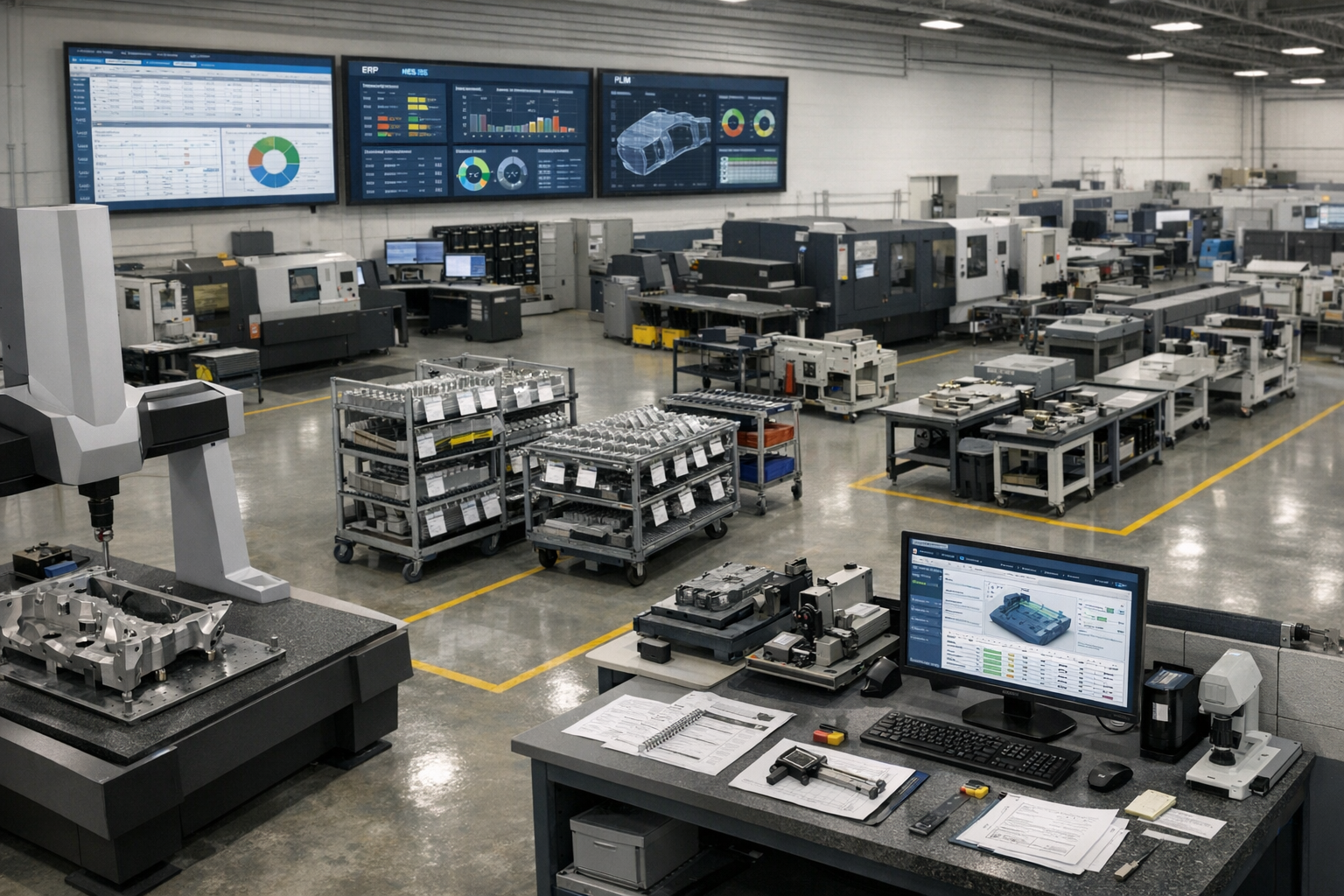
The typical system landscape features ERP for finance and inventory, PLM for design revisions, MES for machine scheduling and OEE, and QMS for nonconformance and audits. Gaps persist in operator guidance, rich routing logic, and cross-system unification. A digital operations layer like Connect981 emerges as the connective tissue, aggregating data without replacing core systems.
Operational Visibility for Aerospace Leaders
COOs and plant managers need real-time visibility across programs, sites, and suppliers to monitor WIP status, bottlenecks, quality escapes, and MRO turnaround times. Current visibility gaps typically manifest as weekly slide decks, manual status spreadsheets, email updates from suppliers, and poor cross-site comparability.
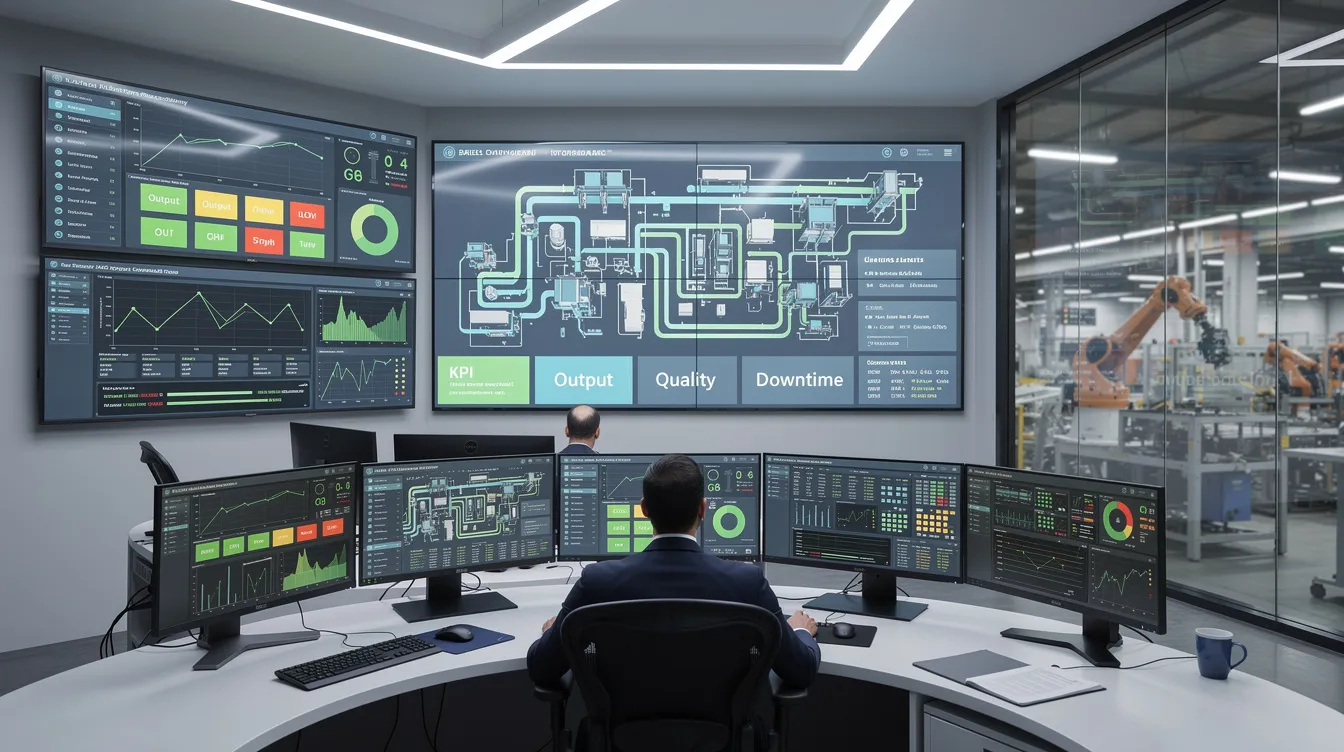
Modern operational visibility means unified dashboards pulling from ERP, MES, QMS, and execution systems into a single pane of glass. Role-based views allow plant managers to see site performance while program leaders track cross-factory progress.
KPIs aerospace executives should see at a glance:
- OTD by program targeting 95%+ for tier-1 suppliers
- First-pass yield typically 85-95% in precision machining
- Rework rate ideally under 5%
- Hours per unit by operation
- TAT by MRO routing with 30-60 day targets for engine shops
- AS9100 and FAA audit findings trends
- Supplier delivery and quality performance metrics
Connect981 acts as that visibility layer by aggregating work order execution data, digital work instructions status, and supplier workflow milestones into live reports. Site comparison views allow leaders to identify which facilities execute similar operations faster and why.
Scaling Aerospace Programs Without Losing Control
Ramping a new aircraft, engine, or subsystem program from prototype to LRIP and then to full-rate production presents specific challenges between 2025 and 2030. Commercial aerospace sector OEM ambitions frequently outpace supply chain capacity, while defense industry rapid capability deployment demands accelerated timelines.
Pain points during scale-up include:
- Configuration proliferation from engineering change orders
- Late-breaking engineering changes disrupting production schedules
- Incomplete build documentation causing rework
- Inconsistent processes across plants and suppliers amid backlogs
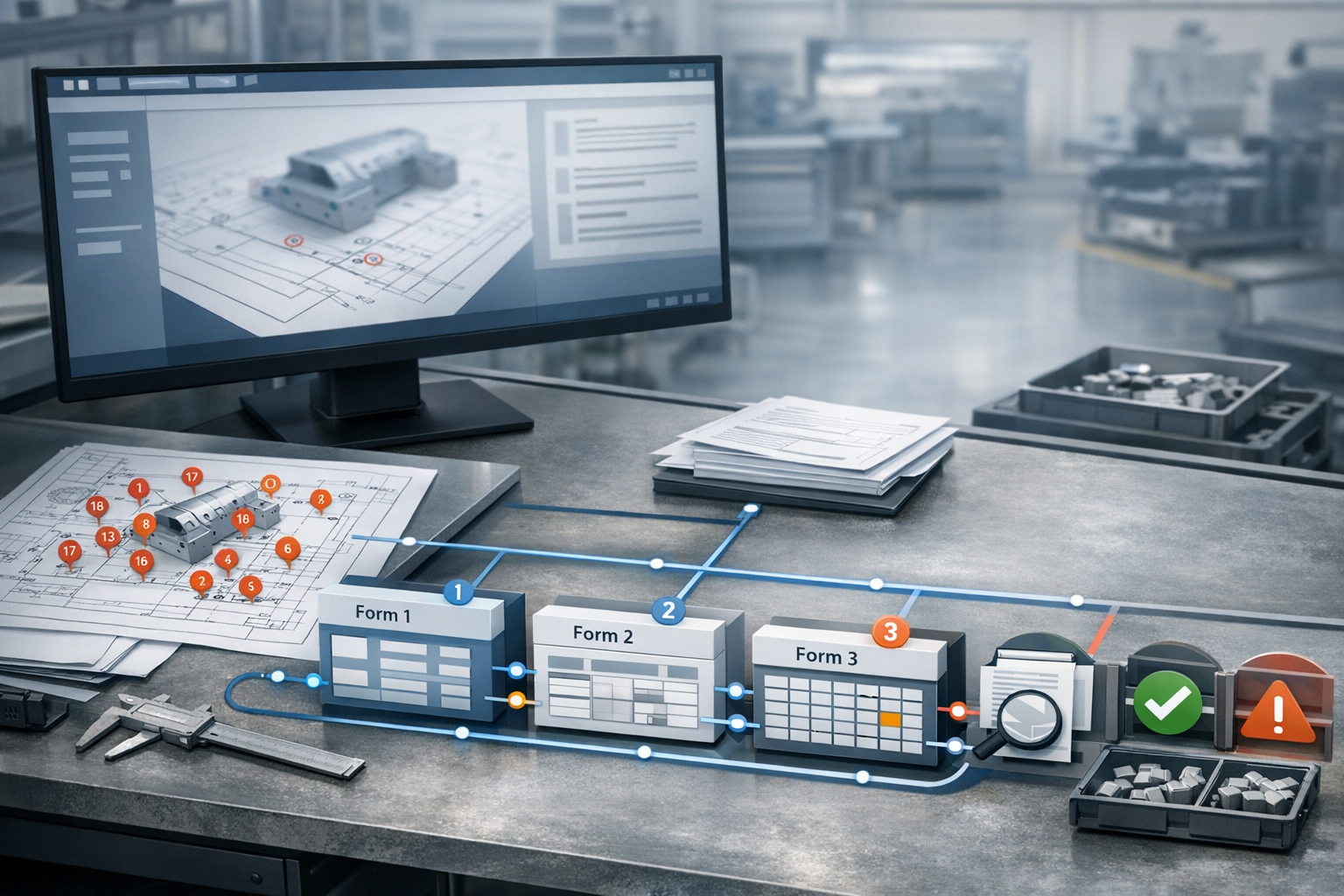
Standardized digital work packages address these challenges. Routing, work instructions, inspection plans, torque charts, and test steps can synchronize multiple lines via template-based workflows and controlled revision releases. Automated alerts flag when work starts on superseded revisions.
Scalable operations require governance around AS9100, AS9102 FAI, AS9145/APQP, and NADCAP processes built into daily execution rather than living only in manuals. Complex geometries requiring hybrid additive-traditional manufacturing methods demand consistent documentation across facilities.
A digital execution layer like Connect981 supports consistent rollouts across multiple factories and suppliers without forcing a full MES overhaul. Templates propagate instantly, and revision control ensures every site works from current documentation.
Workforce Productivity and the Aerospace Skills Gap
The aerospace sector faces a skills challenge with high retirement rates among experienced mechanics and machinists combined with difficulty attracting younger talent into complex, regulated environments. Over 60% of aerospace manufacturers cite workforce issues as a primary constraint, with UK manufacturers reshoring over 50% of production to mitigate risks.
Typical productivity drains include:
- Searching for the correct revision of work instructions
- Walking to paper binders for reference documents
- Re-entering data from travelers into systems
- Manual article inspection documentation for FAIRs
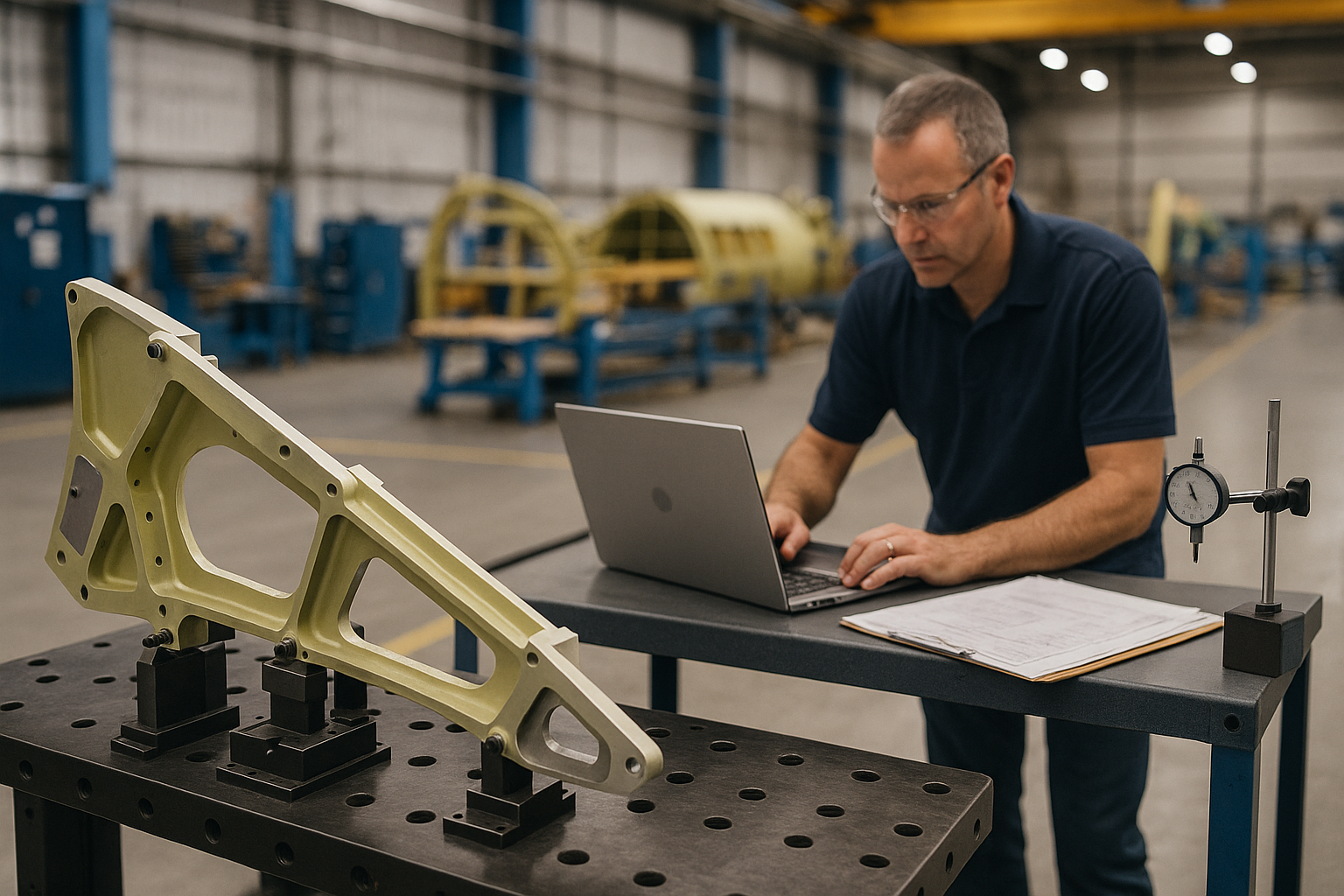
Digital work instructions with embedded photos, 3D models, torque charts, and checklists shorten onboarding time by 30-50% and reduce dependency on tribal knowledge. A technician drilling composite panels or assembling wiring harnesses can follow visual guidance rather than interpreting text-heavy procedures.
AI assistance in platforms like Connect981 guides technicians through root cause analysis, suggests likely causes of recurring defects, and flags missing quality steps. Before digitization, paper-based operations typically take 20-30% longer per unit than digitized flows that capture timestamps and parameters automatically.

Digital Execution Layers vs. Traditional MES and ERP
Understanding the difference between core transaction systems, heavy MES layers, and modern lightweight digital execution platforms clarifies where gaps exist.
ERPs handle orders, finance, and inventory well but fall short on operator guidance, in-process quality checks, and detailed traceability at the operation level. Traditional MES manages machine scheduling, OEE, and automation interfaces but gaps appear in documentation control, rich routing logic, supplier collaboration, and MRO workflows.
A digital operations layer sits above and between ERP, MES, PLM, and QMS. It coordinates work instructions, checklists, approvals, and contextual data for each task without requiring system replacement.
Concrete integration patterns include:
- Pulling work order and BOM data from SAP or Oracle
- Associating production tasks with CAD/PLM revisions
- Pushing completion data and nonconformance records back into ERP/QMS
- Faster ECN propagation across connected systems
Executives do not need to rip-and-replace existing systems to achieve modern execution capabilities. Connect981 extends the existing landscape rather than competing with established infrastructure investments.
Quality, Traceability, and Compliance by Design
Aerospace and MRO operations require designing in quality and traceability from day one to satisfy safety and performance standards under AS9100, AS9102, NADCAP, ITAR, FAA, EASA, and OEM customer certification requirements.
Concrete practices include:
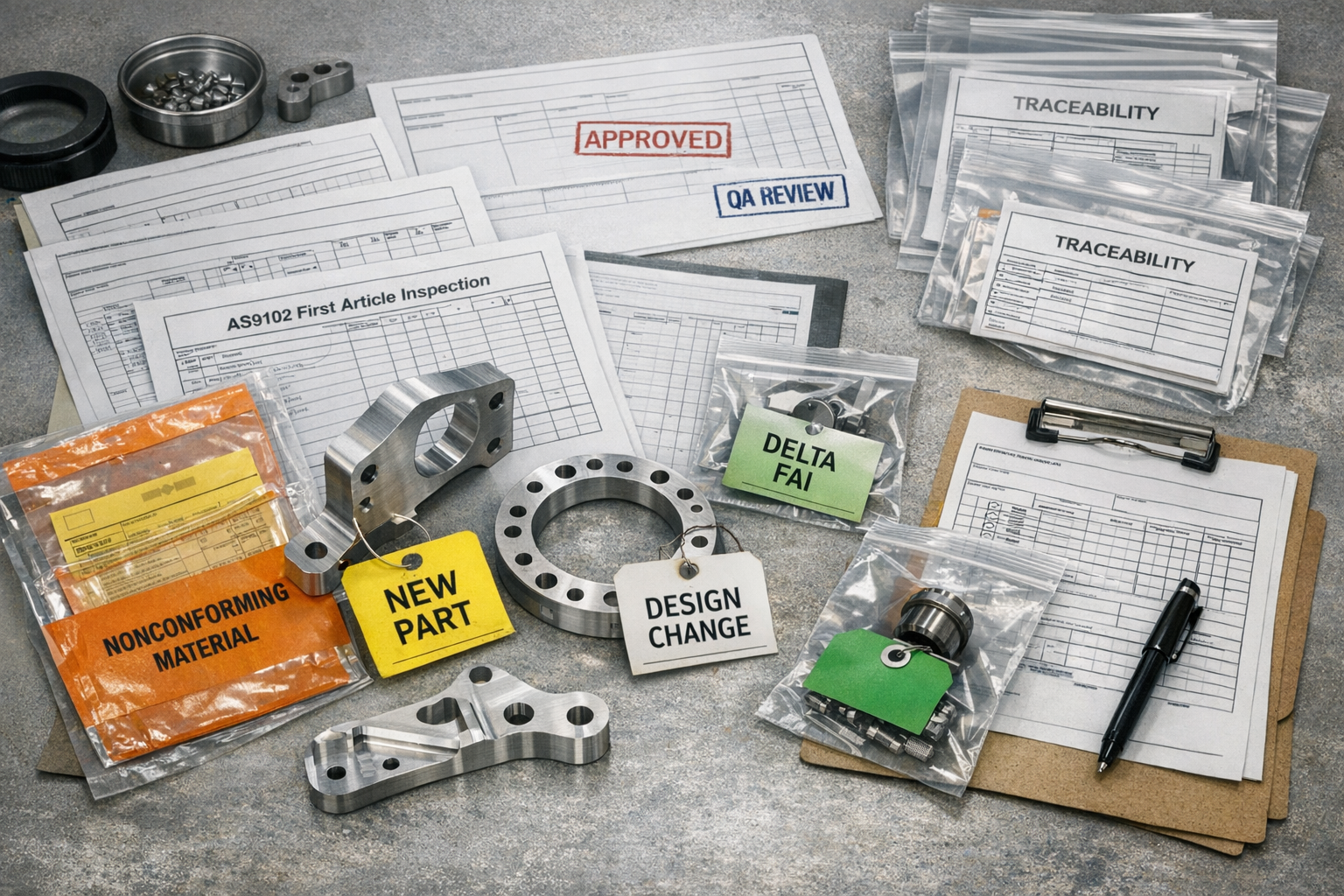
- Serial and batch number traceability throughout production processes
- Heat lot control for specialty alloys and key components
- Digital FAIRs replacing paper-based first article inspection
- CAPA workflows with immutable audit trails
- Sign-off records for every process change and rework event
Digital work instructions embed mandatory quality checkpoints that must be completed before advancing operations. Torque verification, NDT signoff, and visual inspections gate progression automatically rather than relying on technician memory.
The value during audits becomes clear: instant access to routing, parameters, technicians, calibrated tools, and rework history for any serial number. Regulatory bodies and OEM quality representatives can verify compliance without manual document retrieval.
Connect981 captures these elements automatically as technicians execute work, reducing reliance on manual forms and scanned PDFs. Quality escapes drop 20-40% in certified environments using embedded checkpoint enforcement.
Connected Factory: Integrating ERP, MES, PLM, QMS, and Supplier Systems
The typical aerospace IT landscape in 2025 includes multiple ERPs across regions, legacy MES installations, PLM for design, standalone QMS, and supplier portals. These systems remain only partially integrated.
Data silos create issues:
- Mismatched revisions between PLM and shopfloor instructions
- Delayed quality feedback to engineering teams
- Limited supplier visibility into engineering or routing changes
- Configuration drift between production sites
A unified operations layer reads and writes to these complex systems, ensuring technicians, engineers, and supplier partners all see the same current configuration. Technology integration patterns include API-based connections for modern systems and file-based exchanges where legacy infrastructure requires it.
Role-based data sharing respects international traffic in arms regulations and export controls while enabling necessary collaboration. Connect981 bridges OEM and tier-1 systems with tier-2 and tier-3 suppliers, enabling shared workflows for build packages, FAIR approvals, and deviation management.
Business outcomes include fewer build holds, faster engineering change implementation, and reduced rework from revision mismatches.
Managing Complex Aerospace Supply Chains
Aerospace supply chains remain fragile due to long lead times for titanium and specialty alloys spanning 12 to 24 months, semiconductor constraints, complex electronics, and thousands of tier-2 and tier-3 suppliers per program. Supply chain resilience has become a board-level priority.
Geopolitical events, export controls under ITAR and EAR, and evolving cybersecurity requirements under CMMC add layers of operational risk. The defense systems segment faces particularly stringent requirements affecting prime contractors and their supplier networks.
Operational impacts include:
- Line-stopping shortages requiring production schedule changes
- Out-of-sequence work creating downstream complications
- Expedited freight costs eroding margins
- Last-minute engineering deviations to accommodate substitute parts
Digital supply chain coordination addresses these challenges through shared build packages, real-time PO and routing visibility, and supplier progress updates integrated directly into factory execution views. Aerospace customers gain transparency into supplier status without manual status calls.
Connect981 supports supplier collaboration by giving external partners controlled access to relevant work instructions, quality requirements, and documentation checklists. Coordinating FAIRs, managing approved vendor lists, and monitoring supplier on-time delivery and PPM become streamlined activities rather than administrative burdens.
Aerospace MRO Operations and Turnaround Time Optimization
Aerospace MRO differs fundamentally from new production through variable work scopes, discovery-driven routing, and heavy dependence on historic maintenance records. Predictive maintenance strategies intersect with traditional scheduled overhaul requirements.
Key MRO metrics include:
Metric
Target
Impact
Turnaround time (TAT)
30-60 days for engine shops
Customer satisfaction, lease costs
On-time release
95%+
Contract compliance
Findings-per-visit
Trending analysis
Process optimization
Rework rate
Under 5%
Cost control
Repeat visits within 18-24 months
Minimized
Quality verification
Digital routing and task cards adapt dynamically during disassembly and inspection, updating work content as findings are logged. An engine module strip reveals conditions that modify the repair scope in real time rather than requiring separate paper processes.
Integrated parts traceability and maintenance history improve decisions on repair versus replace and help prove compliance to regulatory requirements and lessors. Connect981 unifies MRO planning, routing execution, parts kitting, quality checks, and customer approvals in one view, reducing TAT by 15-25% and eliminating paperwork cycles.

Leveraging AI and Analytics in Aerospace Manufacturing Operations
Realistic AI and data analytics use cases achievable on the factory floor before 2028 focus on operational improvement rather than speculative autonomous systems. Machine learning applications must meet aerospace constraints around certification requirements and model validation expectations.
Specific opportunities include:
- Predictive quality flagging likely nonconforming operations before completion
- Anomaly detection in process control data
- Intelligent routing suggestions based on historical performance
- AI-assisted root cause analysis for CAPA workflows
- Real time feedback on process deviations
Operational data collected in Connect981 including timestamps, user actions, defect types, and process parameters feeds these models to deliver program-specific insights. Advanced analytics reveal patterns invisible in manual review.
Constraints unique to aerospace demand explainable AI for regulators and internal quality authorities. Aerospace companies must govern AI adoption through phased pilots on selected lines or MRO cells, human-in-the-loop decision making, and clear boundaries between advisory and automated actions.
Examples include reducing scrap on composite layup by 10-20% or improving FAI pass rates on complex machined specialized components through pattern recognition.
Implementation Roadmap: From Paper and Spreadsheets to a Connected Operations Layer
A pragmatic 12 to 24 month transformation roadmap for aerospace plants reliant on paper travelers, spreadsheets, and shared drives follows a phased approach to optimize production processes.
Months 1-6: Foundation
- Select one value stream or MRO cell for initial digitization
- Digitize work instructions and quality checklists for repetitive tasks
- Establish baseline metrics for comparison
- Train core team on platform capabilities
Months 6-12: Expansion
- Expand to quality workflows and parts traceability
- Connect supplier collaboration for selected programs
- Integrate with ERP for work order data synchronization
- Measure first-pass yield improvements and reduce waste
Months 12-24: Enterprise Scale
- Roll out across additional production lines and sites
- Standardize workflows based on lessons learned
- Enable cross-site visibility and benchmarking
- Extend to MRO operations and additional supplier tiers
Cross-functional governance requires operations, manufacturing engineering, quality, IT, and supply chain jointly defining standard workflows and data structures. Aviation management leadership must champion adoption.
Connect981’s zero and low-code platform shortens deployment using aerospace-specific templates for FAI, inspection, routing, and concessions. Early wins like reducing missing paperwork by 50% or shortening signoff cycles build organizational momentum and support continuous improvement.
How Connect981 Supports Modern Aerospace Manufacturing Operations
Connect981 serves as a unified aerospace operations platform connecting ERP, MES, PLM, QMS, and supplier systems into one digital execution layer. The platform addresses aerospace and defense industry requirements rather than generic industrial manufacturing needs.
Core capabilities mapped to operational priorities:
- Digital work instructions with embedded media and version control
- Shopfloor execution tracking with real-time WIP visibility
- Serial and lot traceability throughout production cycles
- Integrated quality workflows with checkpoint enforcement
- Supplier collaboration with controlled access and shared documentation
- MRO routing management with dynamic task adaptation
Scenario examples:
- Ramping a new program across multiple sites with consistent work packages and synchronized documentation releases
- Stabilizing a critical supplier through shared FAI workflows and deviation management
- Reducing TAT in an engine MRO shop by 20% through unified planning and execution views
Connect981 differentiates from general MES and low-code platforms through aerospace-first data models, templates for AS9100 and FAA workflows, and fast time-to-value without requiring system replacement. Digital tools deploy in weeks rather than months.
Conclusion: Next Steps for Aerospace Operations Leaders
Modern aerospace manufacturing operations require integrated visibility, scalable processes, empowered workforces, and a digital execution layer bridging legacy systems. The aerospace projects demanding attention in 2026 cannot wait for multi-year transformation programs.
Executive priorities for the next 18 to 24 months:
- Unify operational data across ERP, MES, and shopfloor systems
- Digitize work instructions and quality flows to reduce cost and development cycles
- Standardize processes across sites using template-based workflows
- Connect suppliers and MRO operations into shared visibility frameworks
Leaders can assess current maturity by inventorying paper-based workflows, counting manual spreadsheets used for production control, and reviewing audit findings related to documentation and traceability. The biggest challenges often hide in plain sight.
A pilot with Connect981 on a targeted program or MRO cell provides a low-risk path to validate benefits and balance innovation with operational continuity. Strategic partnerships between operations leadership and digital platforms enable aerospace companies to stay competitive. Educational institutions and leadership programs increasingly emphasize digital manufacturing competencies for future workforce development.
The next 18 to 24 months will separate organizations that digitize execution from those still managing paper trails. Operational efficiency gains compound across programs when the foundation is right. Request a Demo to see how Connect981 extends your existing ERP and MES landscape to meet aerospace production demands and ensure safety across other industries and beyond.