RSC Sphere: Core Aerospace Operations Execution

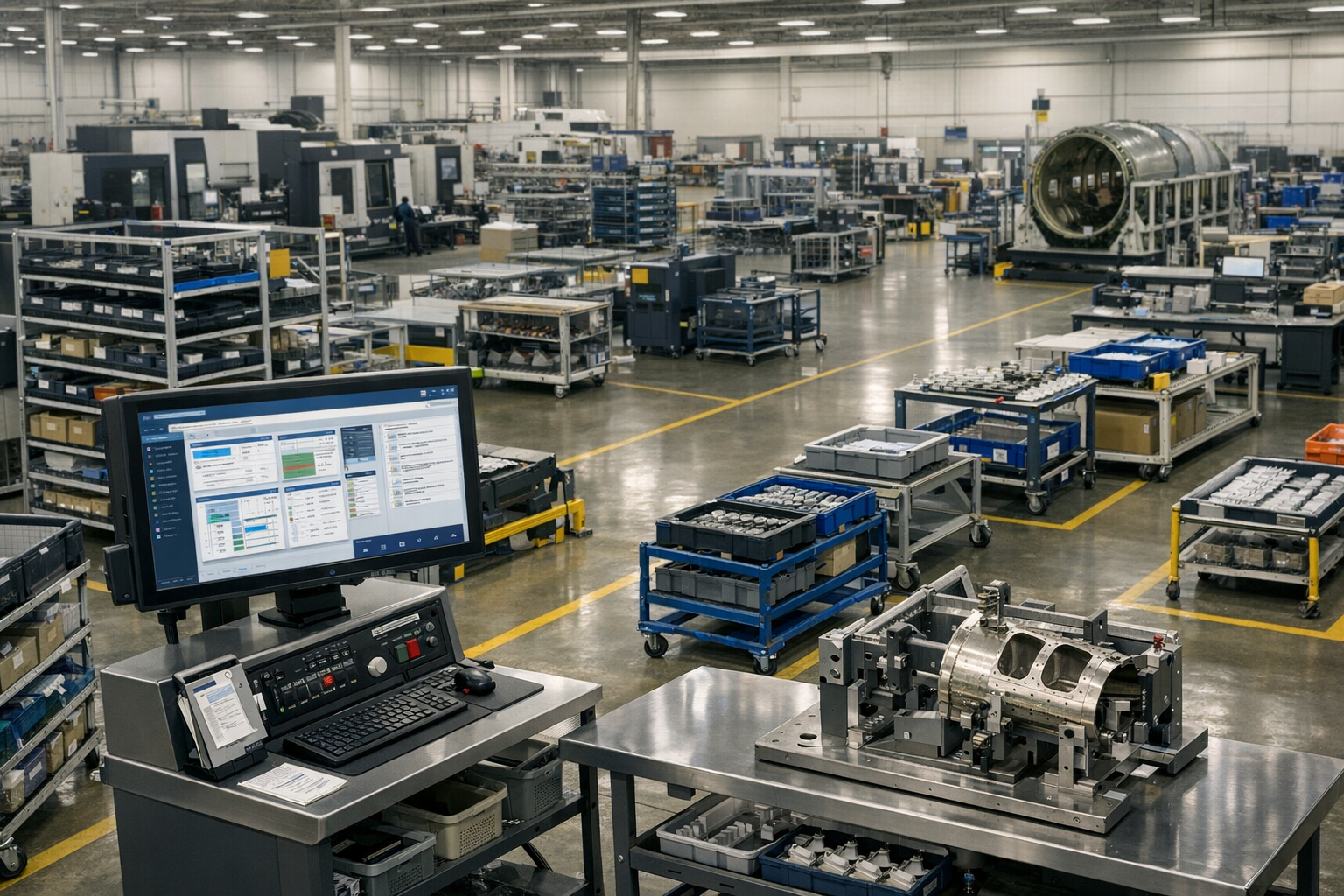
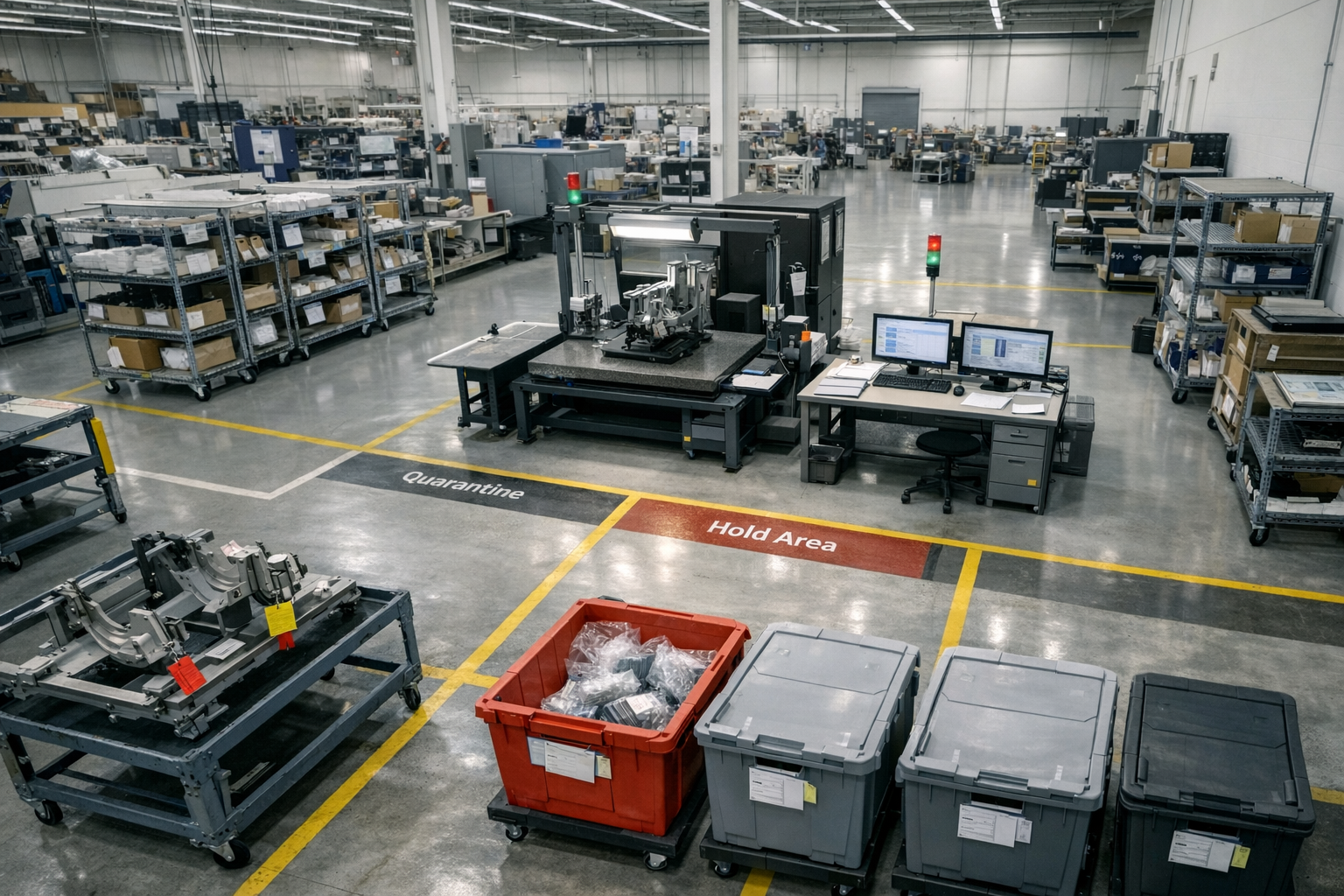
The Core Aerospace Operations Execution Sphere defines how day-to-day work actually gets done across internal production and outsourced operations. It focuses on execution control, digital work instructions, travelers, supplier handoffs, and real-time visibility into what is running, blocked, or complete. The content in this sphere shows how operational discipline improves throughput, reliability, and coordination without forcing rip and replace system changes. This sphere establishes Connect981 as an execution-first platform grounded in manufacturing reality.

  • digital travelers

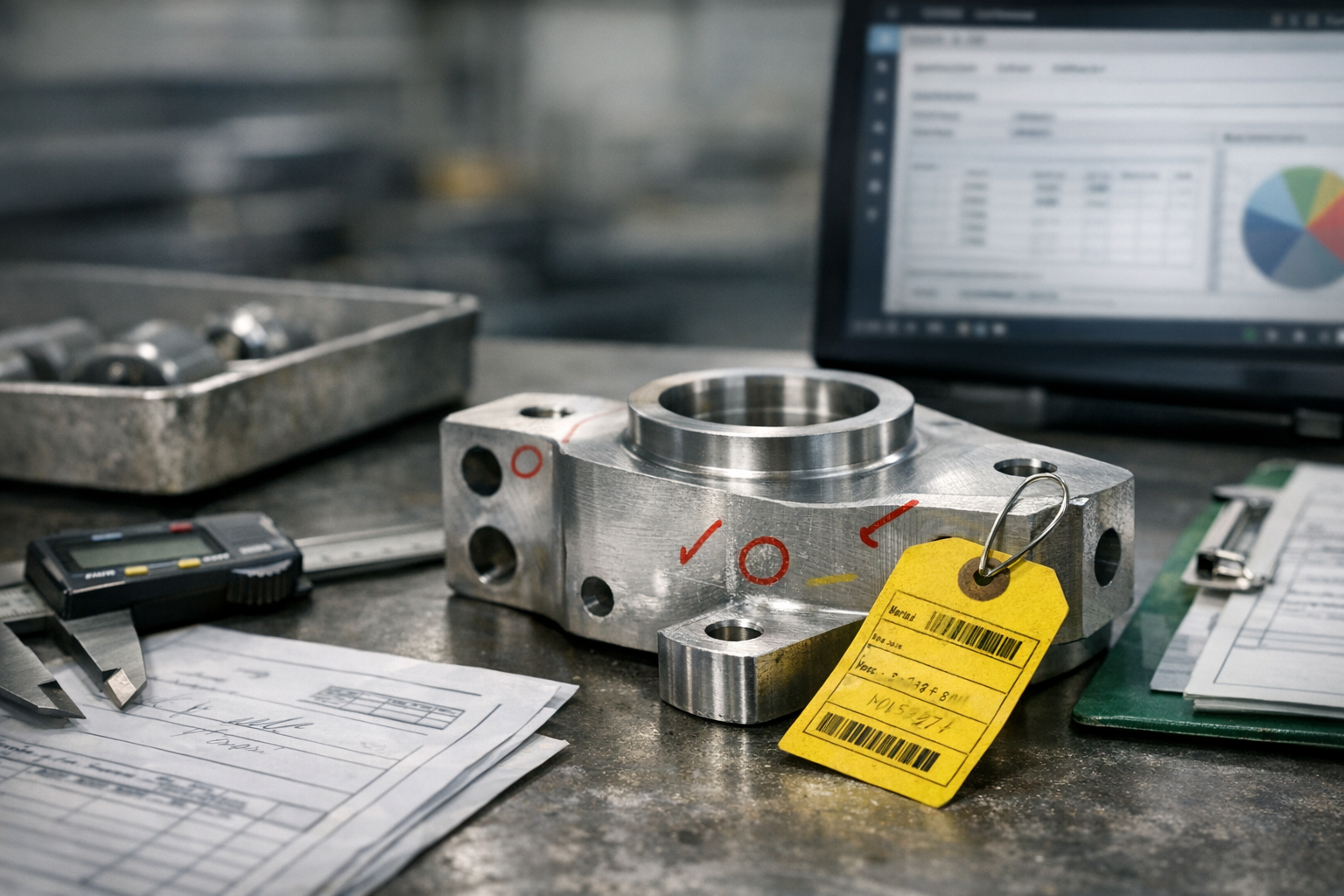
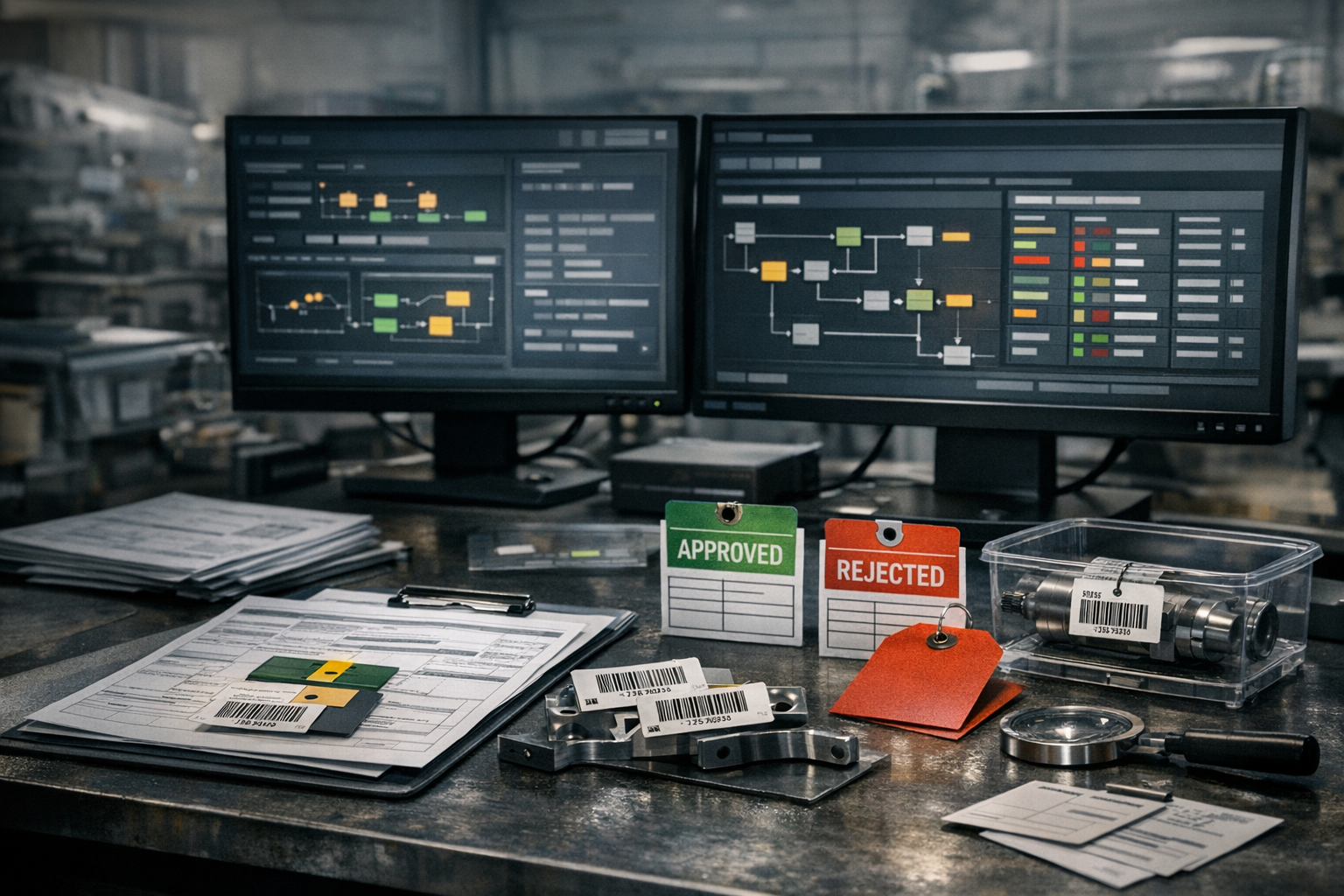
    Digital travelers are electronic versions of traditional manufacturing job travelers or route cards. They live in MES or related execution systems and follow a part, assembly, or work order through all required operations, capturing routing, work instructions, in-process data, and signoffs in a structured, traceable form.

    What digital travelers include

    In regulated industrial and aerospace environments, a digital traveler commonly contains:

    • Work order identifiers and part or assembly numbers
    • Configured routing and required operations or work centers
    • Linked digital work instructions, drawings, and specifications
    • Process parameters and required data collection (dimensions, torque, pressure, etc.)
    • Inspection points, quality checks, and hold points (e.g., FAI, in-process inspection)
    • Electronic signatures, timestamps, and operator/inspector IDs
    • Links to materials, lots, serial numbers, and other genealogy or traceability data
    • Nonconformance, deviation, or rework records associated with the work order

    How digital travelers are used in operations

    Operationally, the digital traveler acts as the primary execution container for a work order:

    • Operators use it to see the next operation, applicable instructions, and required data entries.
    • Supervisors and planners use it to monitor status, queues, and bottlenecks across the routing.
    • Quality and compliance teams use it as a core evidence source for traceability, audits, and investigations.

    In many MES deployments, the digital traveler is the mechanism that enforces routing logic, ensures that required steps and inspections are completed in sequence, and prevents work from advancing without required data or approvals.

    Relationship to routing

    Routing defines the planned sequence of operations that a part or assembly must follow. The digital traveler applies that routing to a specific work order and records the actual execution path, including:

    • Which operations were performed, in what order, and at which resources
    • Actual times, quantities, and performance data
    • Any deviations, skips, or alternate routings used

    In this sense, routing is the plan, while the digital traveler is the live, data-bearing instance of that plan for a particular order or serial number.

    Use in regulated and aerospace manufacturing

    In aerospace, defense, and other regulated sectors, digital travelers are closely tied to requirements for traceability, device history records, and audit evidence. They often integrate with:

    • ERP systems for order creation, materials allocation, and completion reporting
    • PLM or document control systems for controlled drawings and specifications
    • QMS or NCR systems to record nonconformances and corrective actions against a specific work order

    They are commonly used to demonstrate which instructions, revisions, and inspections were in effect at the time of build for a given serial number or lot.

    Common confusion

    • Digital traveler vs. digital work instructions: A digital traveler is the container for routing, status, and records for a specific work order. Digital work instructions are the content that tells an operator how to perform an operation. A traveler often links to one or more work instruction documents.
    • Digital traveler vs. DHR or batch record: A digital traveler is focused on execution and in-process control as work is performed. A Device History Record or batch record is typically the compiled, finalized record of all relevant data after production is complete, which may draw heavily from traveler data.
    • Digital traveler vs. ERP work order: An ERP work order defines what needs to be produced and at what quantity and due date. The digital traveler manages and records how that work is executed on the shop floor.

    Tie to digital operations rollouts

    When teams implement a digital operations layer or MES in brownfield, regulated plants, digital travelers are often one of the first execution capabilities deployed. They provide a structured way to move from paper packets to controlled, traceable electronic records while reusing existing routings and gradually integrating quality and traceability requirements.

  • How can we use KPI data to prioritize procedure improvements?

    Using KPI data to prioritize procedure improvements starts with connecting metrics to specific processes and then ranking opportunities by impact and feasibility. In regulated, brownfield environments, this only works if you are honest about data quality, traceability, and validation limits.

    1. Connect KPIs to specific procedures and process steps

    Start by mapping each KPI to the procedures and work instructions it is supposed to reflect.

    • For each KPI (e.g. yield, rework rate, NPT, on-time delivery), list the procedures, routings, and work instructions that influence it.
    • Use existing routing, MES, QMS, and training records to identify where in the process the KPI is most sensitive.
    • In a mixed legacy environment, this mapping may live in multiple systems; expect gaps and treat the first pass as a working hypothesis, not a validated model.

    This mapping lets you move from abstract numbers (“yield is down”) to concrete candidates (“these three inspection and setup procedures are likely contributors”).

    2. Use KPIs to localize where the problem actually is

    Once KPIs are mapped, drill down by line, product, shift, supplier, or operation where possible.

    • Compare performance by product family or routing to see which procedures correlate with poor KPIs.
    • Look for patterns across shifts or sites that point to procedure clarity or training issues rather than equipment-only issues.
    • Use NCR, CAPA, and scrap data to see which procedures appear most often as context in investigations.

    In many plants, the limiting factor is data granularity. If your MES or ERP only logs KPIs at a high level, you may have to supplement with manual Pareto analysis of NCRs, logbooks, or audit findings.

    3. Quantify impact: cost, risk, and capacity

    To prioritize procedure changes, translate KPI gaps into a common impact view.

    • Cost of Poor Quality (COPQ): Tie defect rates, rework, escapes, and concessions to direct cost where possible.
    • Risk and compliance exposure: Weigh issues linked to safety-critical characteristics, export-controlled items, or regulatory findings more heavily than minor efficiency losses.
    • Throughput and NPT: Quantify how much non-productive time or lost capacity is associated with ambiguous, outdated, or overly complex procedures.

    This does not need to be perfect finance-grade modeling. Order-of-magnitude estimates are usually enough to rank which procedures, if improved, would yield the most meaningful change in the KPIs that matter.

    4. Screen opportunities with a simple prioritization matrix

    Use a basic scoring approach that operations, quality, and engineering can align on.

    • Score each candidate procedure on dimensions such as KPI impact, regulatory risk, implementation effort, validation/qualification burden, and cross-site complexity.
    • Focus first on items with high KPI impact and low to medium effort and validation cost.
    • Defer or phase high-impact / high-burden changes (e.g. to validated test methods or critical inspection procedures) into controlled projects with formal change control.

    In aerospace-grade contexts, the validation and re-qualification cost of changing some procedures can easily outweigh gains from a marginal KPI improvement. KPI data should inform that tradeoff, not override it.

    5. Use KPIs to separate “procedure problems” from “system or design problems”

    Not every KPI issue can be solved by editing procedures. KPI data can help you decide when a written procedure is the right lever versus when you need equipment changes, design changes, or different staffing.

    • If different operators or shifts following the same procedure produce widely different KPI outcomes, suspect procedure clarity, training, or human factors.
    • If all shifts, lines, and sites show similar problems despite good adherence, the limiting factor may be tooling, design, or capacity, not the procedure wording.
    • If problems cluster around changeovers, introductions, or revisions, look at your change control and training procedures, not just the task-level instructions.

    This avoids wasting effort rewriting procedures that are not actually the bottleneck reflected in your KPIs.

    6. Make KPI-driven procedure changes traceable and reversible

    In regulated environments, every procedure improvement is a change control event, not just a document edit.

    • Document the KPI signal and analysis that justified the change (e.g. trend charts, Pareto charts, audit findings).
    • Version procedures and work instructions in QMS or document control systems with clear effective dates and training records.
    • Plan how you will re-check the KPI after the change, including what “good” looks like and over what period.
    • Be prepared to roll back or further adjust if KPIs do not move as expected or introduce new issues.

    This evidence trail matters both for internal learning and for external audits, but it depends on your existing QMS maturity and system integration quality.

    7. Close the loop: validate that procedure changes actually move the KPI

    After implementing a procedure change, you should explicitly verify its effect on the targeted KPIs.

    • Compare KPI performance before and after the change over a time window long enough to smooth normal variation.
    • Account for confounders such as new products, seasonal volume, supplier changes, or equipment downtime that may mask or mimic improvement.
    • If your data infrastructure is limited, even simple before/after plots and annotated run charts are better than relying on anecdotal feedback.

    In brownfield environments, exact attribution is often impossible. The goal is not perfect statistical proof, but reasonable confidence that the change contributed to the observed KPI movement and did not increase risk.

    8. Work within brownfield system constraints

    Using KPI data effectively typically means stitching together information from ERP, MES, QMS, and spreadsheets, often with inconsistent identifiers and time stamps.

    • Start with what you can reliably measure today (e.g. scrap by operation, NCRs by work center, NPT by category), then refine as integrations improve.
    • Be transparent about data gaps and avoid overfitting your decisions to noisy metrics.
    • Do not wait for a full system replacement; small, well-governed procedure improvements can be justified with imperfect but directionally correct KPI data.

    Full replacement of KPI infrastructure or MES just to improve procedure analytics is rarely justified in high-regulation, long-lifecycle environments due to validation and downtime costs. Incremental integration and targeted data quality fixes are usually more realistic.

    9. Practical starting pattern

    If you need a concrete way to begin using KPIs to prioritize procedure work:

    1. Select 3 to 5 critical KPIs (e.g. yield, scrap cost, NPT, escapes) and define how each is currently calculated and where the data originates.
    2. For each KPI, build a top 10 Pareto of products, operations, or work centers contributing most to the problem.
    3. Within that top 10, identify the associated procedures and work instructions, and assess their age, clarity, and known pain points from operators and audits.
    4. Score and rank these procedures using impact and change burden, then launch a small number of controlled improvements with defined KPI targets.
    5. Review KPI trends and audit feedback after implementation, and standardize the approach as part of your continuous improvement or CAPA process.

    This approach respects traceability, change control, and system coexistence constraints while still using KPI data to focus procedure improvement where it matters most.

  • What is the difference between PO and WO?

    In most manufacturing and industrial environments, “PO” and “WO” refer to two different but related control mechanisms:

    What is a PO (Purchase Order)?

    A Purchase Order is a commercial and logistical document used to buy something from an external supplier.

    Typical characteristics:

    • Purpose: Authorize and control external spend for materials, components, tooling, services, or outside processing.
    • Owner system: Usually created, approved, and tracked in ERP or procurement systems.
    • Scope: Line items for parts, materials, services, quantities, prices, delivery terms, and sometimes quality clauses.
    • Controls: Budget approvals, supplier selection, contractual terms, and receiving/three-way match with invoices.
    • Traceability: In regulated environments, POs may be referenced in receiving inspection records, supplier quality records, and cost traceability, but they do not usually control the technical execution of manufacturing steps.

    What is a WO (Work Order)?

    A Work Order is an execution instruction to perform work, either in manufacturing or maintenance/repair contexts.

    Typical characteristics:

    • Purpose: Control and document work performed on a part, assembly, piece of equipment, or facility.
    • Owner system: In manufacturing, usually MES or ERP (production module). In maintenance, usually a CMMS or EAM system.
    • Scope: Routing or operation steps, required materials, resources, estimated and actual hours, quality checks, and sign-offs.
    • Controls: Sequencing of operations, who can perform which work, work instructions, in-process inspections, and status (released, in progress, completed, closed).
    • Traceability: In regulated environments, WOs are often key traceability records, linking serial numbers, batches, inspection results, deviations, and rework.

    How PO and WO interact in brownfield environments

    In practice, POs and WOs coexist and may reference each other, but they typically live in different systems and have different lifecycles.

    • Material supply: A WO may consume parts that were purchased on one or more POs. The link is often managed via item numbers and inventory, not directly WO-to-PO.
    • Outside processing: A WO operation (for heat treat, coating, NDT, etc.) may require a PO to an external processor. In some systems the WO operation references the PO or vice versa, but this depends heavily on integration design and data discipline.
    • Costing: PO costs (materials, outside services) are usually rolled up into the cost of the WO or production order in ERP, but the accuracy of this depends on correct item setup, routing, and backflushing or issuing practices.
    • Maintenance work: A maintenance WO may require spare parts, which are procured via PO. The CMMS/EAM may integrate with ERP to check stock and trigger purchase requisitions, but this is often only partially implemented in older plants.

    Why the distinction matters in regulated and long-lifecycle environments

    Keeping PO and WO roles clearly separated is important for control and compliance:

    • Commercial vs technical control: The PO governs who you buy from and on what terms; the WO governs how work is done and documented.
    • Traceability: Auditors and customers typically expect work history, inspections, and nonconformances to be traceable via WOs or equivalent production records, not via POs.
    • Change control: Changes to suppliers (PO level) and changes to process or routings (WO level) follow different approval paths and validation burdens.
    • System coexistence: Trying to use a PO as a surrogate for a WO, or vice versa, usually leads to gaps in traceability, poor cost visibility, and weak process controls, especially in brownfield stacks with legacy ERP and MES.

    In summary, a PO is about buying from suppliers, while a WO is about executing and documenting work. They should be linked where appropriate, but they serve distinct roles and should not be treated as interchangeable.

  • Can MES improve inventory accuracy without replacing my existing ERP?

    Short answer

    Yes, a manufacturing execution system (MES) can improve inventory accuracy without replacing your existing ERP, but only if three things are true: the MES is integrated cleanly to ERP, operators actually use the MES as the system of record on the shop floor, and master data and processes are aligned. MES typically tightens control around real-time material consumption, WIP, and finished goods movements that ERP cannot reliably capture on its own. However, MES will not correct structural issues such as bad item masters, weak process discipline, or uncontrolled workarounds in your current environment. In regulated plants, any change to how inventory is tracked must go through proper validation, change control, and training, which often becomes the real constraint.

    How MES helps inventory accuracy in practice

    MES usually improves the *granularity* and *timeliness* of inventory movements, rather than replacing ERP’s role as the financial and planning system of record. On the shop floor, MES can enforce material issues against specific work orders, record actual consumption versus standard, and track WIP location and status in near real time. This reduces the lag and manual transcription errors inherent in paper travelers, spreadsheets, or late ERP backflushing. MES can also support serialized or lot-tracked components and finished goods, which is often crucial in aerospace and other regulated industries. When integrated correctly, these MES events update ERP inventory balances and reservations more accurately than manual postings alone.

    What still stays in ERP

    Even with a strong MES, ERP typically remains the system of record for inventory valuation, MRP, and customer order management. Item masters, BOMs, routings, and costing structures usually originate in ERP (or PLM) and are consumed by MES. Physical inventory, cycle counting, and financial posting logic (e.g., GL accounts, standard cost updates) usually stay in ERP and must remain authoritative. In most brownfield environments, trying to move all inventory logic into MES and decommission it in ERP creates significant integration, validation, and audit complexity. The more realistic strategy is to let MES handle execution detail and ERP handle planning and financials, with well-defined boundaries and reconciliations.

    Dependencies and constraints that determine actual benefits

    The impact on inventory accuracy is highly dependent on data quality and process maturity, not just the MES software. If BOMs, routings, or units of measure in ERP are wrong, MES will simply record bad assumptions more precisely. If shop floor staff bypass barcoding or do bulk adjustments at the end of shifts, the theoretical accuracy of MES will not materialize. In regulated environments, master data changes, integration mappings, and new transaction flows often require documented impact assessments and re-validation. Without disciplined change control and training, you can actually introduce new discrepancies between ERP and MES inventories rather than reducing them.

    Integration and coexistence with your current ERP

    To improve inventory accuracy without replacement, the MES must coexist with ERP through stable, transparent interfaces. Typically, ERP sends work orders, BOMs, and item data to MES, while MES sends back material consumption, production completion, scrap, and sometimes WIP status. Poorly designed integrations—batch jobs with long delays, incomplete error handling, or ambiguous ownership of fields—often cause data mismatches and reconciliation headaches. In aerospace-grade contexts, integration changes are subject to the same scrutiny as system changes, which means they must be documented, version-controlled, and tested under change control. The most sustainable pattern is clear definition of which system owns which data element, how frequently it synchronizes, and how discrepancies are detected and resolved.

    Failure modes and tradeoffs to watch for

    A common failure mode is running dual entry: operators enter movements in MES but someone still posts adjustments or issues directly in ERP, causing divergence in inventory balances. Another is partial MES usage where only some lines or some materials are tracked in detail, leading to a hybrid environment that complicates reconciliation and KPIs. Over-automating backflushing without reliable scanning or equipment integration can make errors harder to detect because they look like clean, automated postings. There is also a tradeoff between strict MES enforcement (which can slow operators if workflows are poorly designed) and flexibility (which can invite workarounds that erode inventory accuracy). In regulated plants, tightening controls via MES may expose existing process weaknesses and force organizational changes that are more disruptive than the software deployment itself.

    Why replacing ERP to fix inventory is usually a bad idea

    Replacing ERP solely to address inventory accuracy issues is rarely justified in aerospace-grade or similarly regulated environments. ERP replacement triggers large-scale re-validation, retraining, data migration risk, and potential disruption to order management, finance, and compliance reporting. Long equipment and system lifecycles mean many integrations (to MES, QMS, PLM, lab systems, and custom tools) must be rebuilt and requalified, which increases downtime and risk of traceability gaps. In contrast, adding or upgrading MES to improve inventory execution can often be scoped line-by-line or plant-by-plant, with more controlled impact. Even then, you must plan for validation, regression testing of integrations, and clear migration paths for any existing shop floor data capture mechanisms. In most cases, stabilizing and extending the current ERP with a properly integrated MES is less risky than starting over.

    Practical steps to use MES to improve inventory accuracy

    In practice, improving inventory accuracy with MES starts with clarifying the target: which materials, which areas (raw, WIP, finished goods), and which error sources you are trying to reduce. From there, define a minimal but complete set of MES transactions: how operators will record issues, returns, scrap, nonconformances, and completions on each operation. Align MES transactions with ERP posting logic, then configure and validate integrations so that every MES event translates into a predictable ERP movement. Pilot on a limited scope where you can measure before/after accuracy and adjust workflows before scaling. Throughout, keep documentation, training, and change control at the same level of rigor you would apply to any system that affects traceability, batch records, or financial reporting.

  • multi-enterprise execution

    Multi-enterprise execution commonly refers to the coordinated management, monitoring, and control of operational processes that span multiple independent companies within a supply chain or value network.

    Instead of focusing only on what happens inside a single plant or enterprise, multi-enterprise execution looks at how orders, materials, specifications, quality records, and status updates flow across OEMs, contract manufacturers, tiered suppliers, and outsourced processors.

    Key characteristics

    • Cross-company scope: Involves at least two legally separate organizations, such as an OEM and one or more suppliers, all contributing to fulfillment of a shared order or program.
    • Execution-level detail: Tracks real operational events (work order status, inspection results, shipment confirmations, deviations) rather than only planning or contractual information.
    • Data and workflow orchestration: Uses shared or integrated systems (such as portals, EDI, APIs, or supplier collaboration platforms) to exchange work instructions, quality data, and status updates in near real time.
    • End-to-end traceability: Connects genealogy and compliance records across enterprise boundaries so that a finished assembly can be traced back through multiple suppliers and process steps.

    Operational meaning in manufacturing

    In industrial and regulated manufacturing environments, multi-enterprise execution typically appears as:

    • Coordinated release and tracking of purchase orders, work orders, and outsourced processing steps across multiple suppliers.
    • Digital sharing of routings, specifications, and work instructions from an OEM or prime to contract manufacturers and special processors.
    • Collection of in-process data and quality results from external sites into the OEM’s MES, QMS, or ERP for consolidated visibility.
    • Exception handling that crosses organizations, such as supplier NCRs, deviations, concessions, or rescheduling due to capacity or material issues.

    Systems that support multi-enterprise execution often integrate internal MES/ERP with external supplier portals or collaboration tools so that execution status can be viewed and managed across the full network rather than plant by plant.

    What it is not

    • It is not limited to high-level supply chain planning or forecasting, which generally focuses on plans and capacities rather than detailed execution events.
    • It is not only about logistics or transportation, even though shipment status may be part of the overall execution picture.
    • It is not the same as a single-enterprise MES or ERP deployment confined to one company.

    Common confusion

    • Multi-enterprise execution vs. supply chain planning: Planning focuses on what should happen (forecasts, MRP, allocation). Multi-enterprise execution focuses on what is actually happening during production, processing, and delivery across companies.
    • Multi-enterprise execution vs. supplier visibility: Visibility often means read-only tracking of supplier status. Multi-enterprise execution usually includes bidirectional workflows, data capture, and sometimes the ability to trigger actions at partner sites.
    • Multi-enterprise execution vs. multi-site deployment: Multi-site can refer to several plants within one company. Multi-enterprise explicitly involves independent businesses connected through contracts and shared operations.

    Relation to regulated environments

    In regulated sectors such as aerospace, defense, and medical devices, multi-enterprise execution is closely tied to digital traceability, document control, and quality evidence that span OEMs and suppliers. Execution data from external partners often becomes part of the official production record, audit trail, or product history file maintained by the responsible manufacturer.

  • What data should be captured for each serialized aerospace component?

    Core identification and traceability data

    For each serialized aerospace component, the minimum expectation is a robust identity and traceability record, not just a serial number field in a database. At a minimum, this usually includes a unique serial number, part number and revision, and a clear link to the design authority or configuration item in PLM. You also typically need manufacturing site and organization identifiers, build or lot/batch identifiers for key materials, and date/time stamps for major lifecycle events such as manufacture, inspection, and release. Where applicable, you should capture links to higher-level assemblies or end items the part is installed in, to support full traceability chains. All of this must be managed under change control, so that if a part is re-identified (e.g., due to rework or modification), the relationships and history remain intact and auditable.

    Configuration and build record information

    Beyond core identity, aerospace components usually require configuration data that describes exactly what was built and how. That often means capturing part revision and effectivity, applicable design change notices or engineering change orders, and any deviations or waivers that were applied. Build records should tie the serialized component to its routing or operation list, work instructions version, and critical process parameters where these affect form, fit, function, or safety. For configurable or options-driven products, you may need to capture variant codes, software loads or firmware versions, and specific options installed on that serial number. The necessary depth depends on your configuration management practices and regulatory or customer requirements, and should be agreed between design, manufacturing, and quality rather than ad hoc on the shop floor.

    Material, subcomponent, and process genealogy

    Genealogy data connects a serialized component to the materials and subcomponents used to build it and to the manufacturing processes it underwent. This often includes heat/lot IDs for metallics, resin/batch information for composites, and serials or lots of critical subassemblies or COTS parts. For special processes (e.g., welding, heat treatment, plating, NDI), you typically need to capture which qualified process was used, which procedure revision was applied, and sometimes the equipment ID and operator qualification. In many plants, this data is distributed across MES, LIMS, special-process systems, and paper travelers, making consistent capture and linkage a challenge. The goal is not to log every minor detail, but to ensure that any future investigation can trace from a failed end item back to the materials and processes that could have influenced that failure.

    Inspection, testing, and nonconformance data

    Inspection and test data for serialized aerospace components must be captured at a level that supports both product acceptance and later forensic analysis. Typical data includes inspection points and results, key measurements and pass/fail outcomes, test procedures and revisions, test equipment identifiers and calibration status, and inspector or operator IDs. For nonconformances, you should link each serialized component to any defect records, including defect type, location, severity, disposition (e.g., use-as-is, repair, scrap), and references to deviation/waiver documents where applicable. This information often resides partly in QMS or NCR systems and partly in MES or paper forms, so integrating identifiers and ensuring consistent serial usage is critical. Over time, this dataset becomes essential for trend analysis, reliability improvements, and responding to customer or authority investigations.

    Certification, release, and documentation links

    Release and certification data demonstrate that a serialized component was assessed and accepted under controlled conditions. Common elements include the final inspection or buy-off record, certificate of conformance (or equivalent) linkage, authorized release signature or electronic approval, and any required regulatory or customer forms. You may also need to associate the serialized component with controlled documents that applied at the time of build, such as work instructions, control plans, and acceptance criteria revisions. In brownfield environments, these links often depend on document control systems that are separate from MES or ERP, so you may capture only document IDs and revisions rather than full documents. The key is that you can reconstruct, with evidence, which requirements and instructions governed the manufacture and release of that specific serial number.

    Operational usage, maintenance, and service history

    For components that enter service or are overhauled, the serialized record ideally extends beyond manufacturing into operation and maintenance. Data may include installation/removal history, operating time or cycles, maintenance and repair events, and any in-service findings or failures associated with that specific serial number. Many organizations manage this information in dedicated MRO, fleet management, or airline/operator systems that are not fully integrated back to the manufacturing stack. When integration is limited, you may have to rely on periodic data exchanges or manual reconciliation of serials between OEM and operator systems. The practical requirement is that, for safety-critical parts, you can retrieve a reasonably complete combined picture of manufacture, operation, and maintenance for each serial.

    How to decide what is “enough” data to capture

    There is no single universal list of mandatory data fields, because the appropriate dataset depends on product criticality, regulatory obligations, customer contracts, and your own risk appetite and process maturity. A practical approach is to start with a baseline data model defined jointly by engineering, quality, manufacturing, and IT, then refine it based on hazard analyses, FMEAs, and field experience. Capture too little and you weaken root-cause investigations and expose yourself to gaps under audit; capture too much and you overload operators, undermine data quality, and make systems harder to validate and maintain. You should document the rationale for each data category, including where you have chosen not to capture certain details, and keep this under change control. Any changes to what is captured, where it is stored, and how it is integrated must go through formal impact assessment and validation, especially in regulated and aerospace-grade environments.

    Coexistence with existing MES, ERP, PLM, and QMS systems

    In most aerospace plants, serialized component data is fragmented across legacy MES, ERP, PLM, QMS, and niche systems, plus paper and spreadsheets. Attempting to replace all of this with a single new system is risky due to validation burden, downtime risk, integration complexity, and the long lifecycles of production equipment and programs. A more realistic approach is to define the serial record model and then map which system is the system of record for each data category, with clear interfaces and reconciliation processes. You may need to introduce lightweight integration layers or master data hubs to link serials across systems without disrupting validated applications. Over time, you can incrementally rationalize or retire systems, but you should not rely on a full replacement strategy to achieve traceability; instead, focus on consistent identifiers, disciplined data capture, and robust change and configuration control across the existing stack.

  • How do digital work instructions shorten technician training time?

    Digital work instructions can shorten technician training time by moving a large portion of what used to be classroom and shadowing into guided, on-the-job execution. The degree of impact depends heavily on work instruction quality, WI governance, system integration, and the complexity of your parts and processes.

    Where training-time savings actually come from

    • Task-level guidance instead of memorization
      Digital work instructions break complex jobs into smaller, sequenced steps with clear visuals and parameters. New technicians do not have to memorize the entire process up front; they learn while doing, with the system prompting the next step and key cautions.
    • Contextual visuals and examples
      Embedded photos, annotated drawings, short videos, and callouts reduce the time a trainer spends explaining details verbally. Technicians can rewatch or recheck content without waiting for a lead or senior mechanic, which shortens the path to basic proficiency.
    • Integrated checklists and data capture
      Checkpoints, measurements, and sign-offs built into the instructions act as training “guardrails.” New technicians learn required checks as part of execution, not as separate classroom content, while the system enforces minimum completeness and sequence.
    • Standardized sequences across trainers and shifts
      Because the digital instruction defines the sequence, different trainers no longer teach variations that confuse new hires. Reduced variation in how work is taught shortens the time to a stable, repeatable working method.
    • Faster feedback loops
      Supervisors and engineers can see where new technicians pause, backtrack, or trigger errors (for example, repeated rejections at particular steps). Targeted coaching at those steps is more efficient than generic retraining.

    How digital instructions change the trainer’s role

    • From explaining every step to coaching higher-risk areas
      With the basics guided by the system, trainers spend more time on tacit knowledge: what to listen for, feel, or watch on edge cases, and how to handle non-standard conditions within approved procedures.
    • More repeatable on-the-job qualification
      Because the system can record which steps a technician completed, with timestamps and results, trainers can focus checkouts on critical skills instead of re-walking entire jobs. This can shorten qualification cycles if your competencies and sign-off criteria are clearly defined.

    Dependencies that limit or enable training-time reduction

    Digital work instructions do not automatically reduce training time. In regulated and aerospace-grade environments, impact is gated by several factors:

    • Instruction design quality
      If digital instructions are just scanned PDFs or dense text blocks, they do little to help new technicians. Structuring work into clear, numbered steps with visuals, expected results, and common failure modes is critical.
    • WI governance and change control
      To use instructions as a primary training tool, you need reliable version control, approvals, and traceability back to engineering source data. If technicians do not trust that instructions are current, they will default to tribal knowledge, and training benefits largely disappear.
    • Integration with MES/ERP/QMS (brownfield reality)
      In mixed-system plants, technicians often jump between paper travelers, legacy MES screens, and separate instruction repositories. Training-time savings are bigger when digital work instructions are embedded in the natural execution flow and aligned with routing, revision, and tooling data. Poor integration can increase cognitive load and negate time savings.
    • Validation and qualification burden
      In regulated environments, using digital instructions as a basis for reduced shadowing or altered training plans may require updates to training procedures, competency matrices, and sometimes validation or documented risk assessments. Until those are addressed, you may be forced to maintain older, longer training patterns in parallel.
    • Process complexity and criticality
      Highly specialized, tacit tasks (precise rework, troubleshooting subtle defects, first-article builds) still require extended mentoring. Digital instructions can help structure learning, but they seldom eliminate the need for experiential training in high-risk operations.

    Realistic expectations in long-lifecycle, regulated plants

    In aerospace and other regulated, long-lifecycle environments, it is uncommon to see training time simply “cut in half” across the board. More typical, when digital work instructions are well-designed and integrated, is:

    • Reduced time to perform routine, well-understood operations independently, especially for new hires or cross-trained staff.
    • Reduced trainer load for basic explanations, allowing experts to focus on complex skills and nonconformances.
    • Fewer instruction-driven errors and rework during the early learning curve, which indirectly shortens the period before a technician is considered reliable.
    • Better evidence of training coverage, because the same digital content underpins both training and execution, with audit trails of who did what and when.

    Attempts to fully replace structured training and mentoring with digital work instructions alone generally fail in these environments due to qualification needs, tacit knowledge, and the consequences of rare but high-impact errors. The more sustainable pattern is to redesign training so that digital instructions carry the repeatable, checklisted work, while human experts focus on judgment and exception handling.

    Practical steps to realize training-time benefits

    • Start with high-volume, high-repeatability operations where steps can be clearly defined and visually supported.
    • Align work instructions with competency frameworks so that completing certain operations using digital WIs maps to specific skills and qualifications.
    • Instrument instructions with simple metrics such as time per step, help calls, and rework triggers to identify where new technicians struggle.
    • Update training procedures and records so that on-the-job execution with digital WIs is explicitly recognized as part of the training method, with appropriate approvals and documentation.
    • Pilot in one area, collect data on training duration and early quality performance, and then expand based on evidence, not assumptions.