In aerospace, engineering change is supposed to be the most controlled process in the company. Every engineering change notice (ECN) passes through reviews, signatures, and workflow steps inside PLM or equivalent systems. On paper, the digital thread looks clean.
But the real test of engineering change management is not whether an ECN was approved. It is whether the right hardware, at the right point in the build, at the right supplier, actually changed when and how it should.
For teams putting this topic into daily operation, execution systems for aerospace manufacturing, shop floor execution control, a connected execution platform help connect the concept to traceability, work-order reality, and audit-ready evidence.
This is where the gap appears between formal engineering change control and real execution. The headline metrics we track in aerospace programs rarely show how well changes are absorbed by production systems. The difference between a stable program and a fragile one often comes down to how repeatably you can push change through a live, regulated manufacturing environment without losing control of configuration.
The Nature of Engineering Change in Aerospace Programs
Aerospace hardware lives for decades. That longevity, combined with safety and regulatory expectations, makes engineering change both unavoidable and unusually high-stakes.
Drivers: safety, performance, cost, and obsolescence
Most significant aerospace engineering changes fall into one of a few categories:
- Safety and reliability: design corrections, fatigue findings, durability improvements, or corrective actions from incidents and test results.
- Performance and capability: weight reduction, fuel efficiency improvements, avionic upgrades, new mission variants, or customer-specific options.
- Cost and manufacturability: design for manufacturability and assembly (DFMA) updates, alternative processes, part consolidation, and yield-driven tweaks.
- Obsolescence and supply risk: discontinued components, changing export controls, or supplier exits that force redesign or alternate sourcing.
In all these cases, engineering change is not just a design activity. It is an operational event that must propagate through production systems, test, maintenance, and the supply chain while maintaining certification and traceability.
The volume and cadence of ECNs over long program lives
On a new or evolving platform, hundreds or thousands of ECNs can occur over the life of a program. Early years often see a heavy flow of changes as flight test findings, producibility feedback, and customer changes accumulate. Even mature programs see ongoing churn from obsolescence, regulatory updates, and incremental improvements.
This cadence matters because it reveals why one-off, manually coordinated change handling is fragile. If each ECN triggers ad-hoc email campaigns, spreadsheet impact logs, and one-time special instructions, the system will eventually miss something. The operational question is not can we execute this change? but can we execute change reliably, repeatedly, and predictably under load?
Implications for certified and flight-critical hardware
For flight-critical systems and safety-related components, the stakes are even higher. Configuration control is directly connected to airworthiness and regulatory approval. When a change affects:
- Primary structure,
- Flight controls, avionics, or propulsion interfaces, or
- Escape, fire protection, or other safety systems,
any misalignment between design intent and as-built configuration is not just a cost or schedule issue. It is a potential safety and certification issue.
This is why regulators and customers expect clean, auditable evidence that the right change was applied to the right hardware at the right time – not just a signed ECN in PLM.
Where Change Management Collides with Execution
Most aerospace organizations have mature engineering change workflows. The collision happens when those workflows meet real WIP, real schedules, and real suppliers.
ECNs approved in PLM but not reflected in work instructions
In many factories, engineering lives primarily in PLM and CAD, while execution lives in a combination of ERP, MES, work travelers, and local work instructions. When PLM issues an ECN, the translation into executable work is often partially manual:
- Manufacturing engineering updates routings and bills of material in ERP.
- Planners or industrial engineers update operation-level instructions in MES or document management systems.
- Supervisors communicate “use this new drawing” or “follow this deviation” on the floor.
Any latency or inconsistency in that translation creates a window where work can be started or completed using the wrong version of data. The PLM record says the change is effective; the actual instructions in front of the operator say something else.
WIP caught between old and new configurations
The hardest part of engineering change is rarely the future builds; it is the in-process work. Typical questions when a change lands:
- Which units can ship as-is under the previous configuration?
- Which assemblies must be reworked, and how invasive is that rework?
- Where is each serial number physically and process-wise in the build?
- Do we apply the change by effectivity date, shipset, or serial number range?
Without a system that can answer these questions in real time, teams often fall back to manual reconciliation of WIP travelers, spreadsheets, and tribal knowledge. That slows decisions and increases the probability that something slips through – a unit reworked unnecessarily, or worse, a unit that should have been reworked but was missed.
Suppliers building to outdated requirements
The same misalignment appears across the supply chain. Tiered aerospace supply chains frequently operate on:
- Released drawings and specs sent via portals or email,
- Purchase order references to configuration or revision, and
- Periodic pushes of updated documents, sometimes without clear effectivity rules.
If suppliers do not have a clear, system-backed view of which revision applies to which orders and serials – and if the OEM or integrator cannot see what configuration is actually being built – ECNs become a source of chronic confusion. It is common to discover parts in transit or in incoming inspection that are perfectly built to an old but no-longer-acceptable configuration.
Configuration Control Requirements in Regulated Environments
These operational collisions are not just internal headaches; they sit directly under aerospace quality and regulatory expectations.
AS9100 expectations for configuration management
AS9100 establishes clear expectations around configuration management, including identification and traceability, change control, and status accounting. In practice this means you must be able to show:
- How configurations are defined and baselined,
- How changes are reviewed, approved, and released, and
- How those changes are applied to specific hardware, with records to prove it.
Critically, configuration management in AS9100 is not only a design office concern. It extends into manufacturing, inspection, test, and supplier management. An ECN that cannot be traced cleanly into WIP, serial numbers, and supplier lots is a configuration risk, even if the PLM process is immaculate.
FAA/EASA implications when changes affect flight safety
When design changes touch aspects of the aircraft or system that are safety-significant, configuration evidence becomes part of the overall airworthiness case. Regulators expect that:
- The affected hardware is fully understood and controlled during transition.
- Test and conformity articles are clearly identified with their configuration state.
- Fielded equipment configuration can be traced back to approved design baselines.
Gaps between ECN intent and actual as-built configuration can ripple into service bulletins, retrofit campaigns, or in extreme cases, grounding and rework of in-service fleets. The cost and schedule impact of a configuration escape often dwarfs the cost of implementing the change correctly the first time.
Customer-specific configuration control practices
Defense and space customers often add another layer of configuration control expectations: contract-specific baselines, government-approved configuration items, and formal change boards with customer participation. For high-value flight hardware and classified programs, the ability to prove that a given serial number conforms exactly to the authorized configuration is non-negotiable.
This environment amplifies the need for an execution layer that can connect contract, configuration baseline, ECN, and as-built evidence without relying on manual reconstruction during audits or investigations.
The Role of the Execution Layer in Change Management
Bridging the gap between PLM-managed change and real production behavior requires a layer that understands where every unit is, what configuration it is supposed to be, and which instructions and materials are being applied at each step. That is the execution layer.
Identifying affected WIP, lots, and serial numbers in real time
When an ECN is approved, the first operational question is impact: which work, in which state, needs attention? An execution layer can answer this by holding:
- Serial-level or lot-level tracking of units and subassemblies,
- Their current operation or station, and
- The specific revision of instructions, BOMs, and specs applied at each step.
With that data, impact analysis shifts from a manual hunt to a query: “Show all hardware where operation X is complete under revision A, but ECN-123 requires revision B by shipset.” This is the difference between reacting slowly with spreadsheets and responding quickly with confidence.
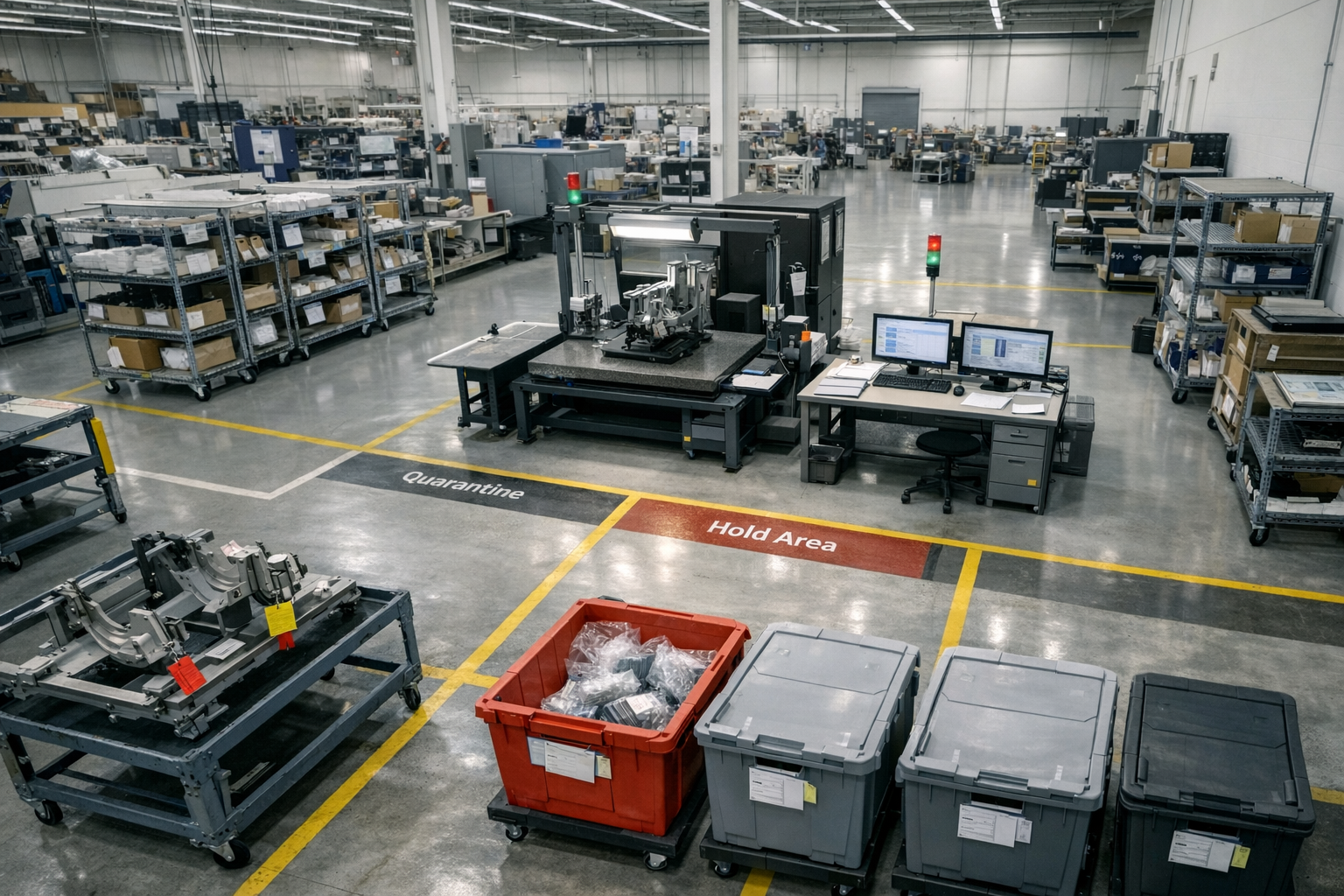
Coordinating hold, rework, and scrap decisions
Once affected hardware is identified, teams must decide what to do with it. Some units can continue under old configuration, some must be held pending engineering disposition, others require specific rework, and in rare cases scrap is unavoidable.
An execution layer supports this by allowing coordinated actions against actual WIP:
- Placing holds at entity, lot, or operation level based on ECN impact.
- Attaching rework plans and deviations directly to affected serials.
- Capturing disposition decisions and their rationale for future traceability.
This is materially different from issuing a general “stop work” email and hoping local teams interpret it consistently.
Updating instructions and capturing evidence of correct configuration
Change only becomes real on the shop floor when the work instructions and checks in front of the operator reflect the new intent. An effective execution layer can:
- Link ECNs to specific operations, inspection steps, and data collections.
- Push revised instructions and control plans to the point of work with clear effectivity.
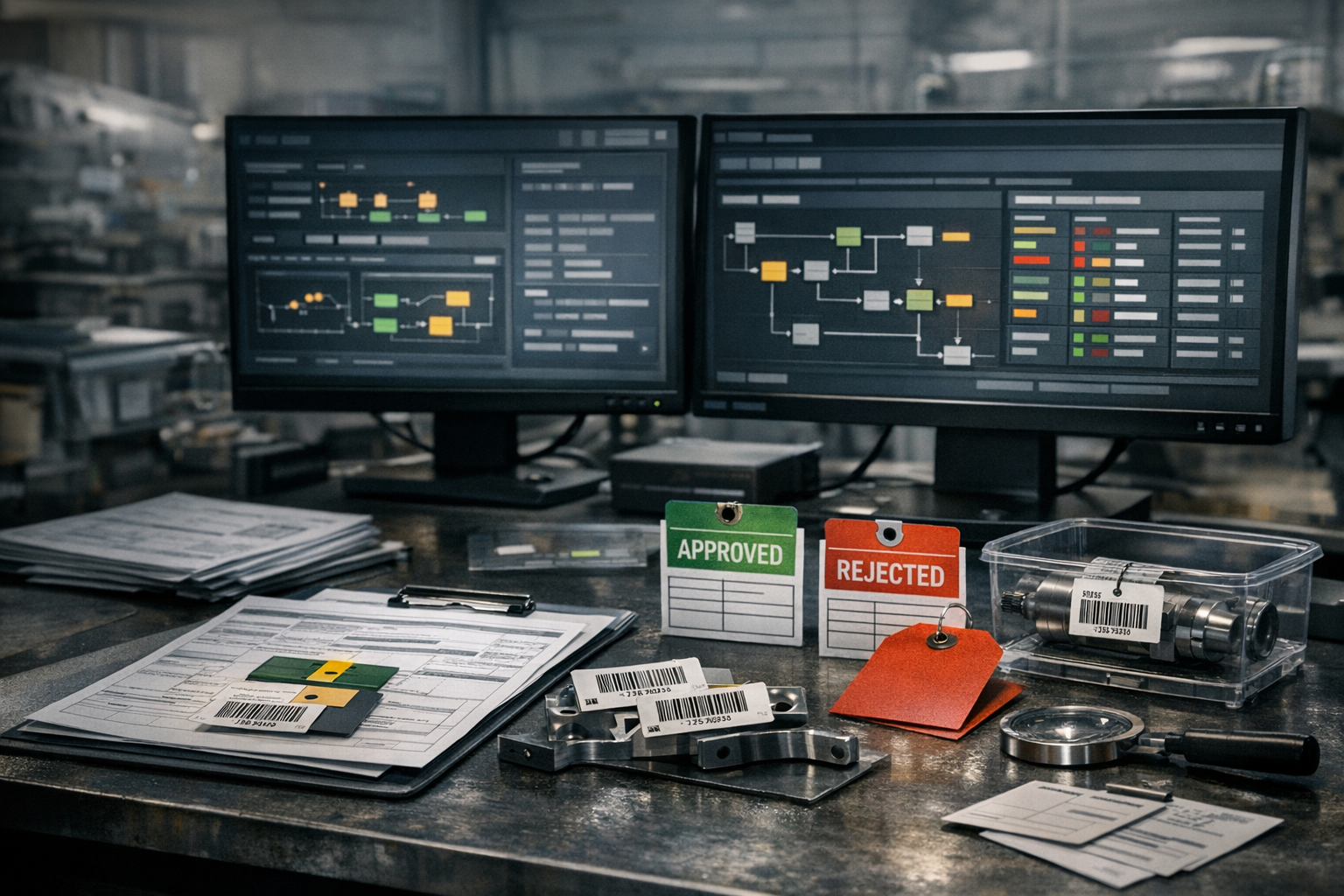
- Capture digital evidence (measurements, signoffs, test results) that the new configuration was built as intended.
The result is not just that change is executed; it is provably executed, with configuration evidence embedded in the production record, not reconstructed later.
Synchronizing PLM, ERP, and Shop Floor During Change
Most aerospace manufacturers rely on three primary system families: PLM for design and change, ERP for planning and commercial transactions, and various MES/quality systems for execution. During engineering change, these boundaries become pressure points.
Translating engineering changes into executable work
PLM is excellent at managing design data and formal change workflows, but ECNs must be translated into:
- Updated part numbers, revisions, and alternates in ERP,
- Changed routings and work centers, and
- New or modified work instructions and inspection plans.
If these translations are handled via disconnected uploads, PDFs, and manual data entry, it is almost guaranteed that change will hit the shop floor inconsistently. A connected execution layer can consume structured change data from PLM and drive updates into routings, instructions, and checks in a controlled, effectivity-aware way.
Managing effectivity dates and serial-level applicability
Effectivity is where theory and reality part ways. On paper, changes might reference:
- Calendar effectivity (after a certain date),
- Lot or batch numbers, or
- Serial number ranges and block points.
On the floor, this only works if the system executing work knows which unit is which, and which rule applies. An execution layer can act as the arbiter of effectivity, combining:
- PLM-declared effectivity logic,
- ERP order and delivery requirements, and
- Real-time WIP status and serial genealogy.
Without that, organizations fall back to blanket cutovers: “Everything started after this date uses the new design,” which often fails when long-travelers, rework, or out-of-sequence work are in play.
Ensuring suppliers receive and acknowledge updated requirements
Supplier synchronization is often the weakest link. Change packages might be pushed through portals, but acknowledgement and adoption are managed by email threads and status meetings. A more robust pattern is to treat suppliers as extensions of the execution layer:
- Expose current configuration requirements against specific orders and serials.
- Track which suppliers have accepted and implemented new revisions.
- Tie incoming inspection plans to expected configuration, with fast feedback when mismatches appear.
This does not require every supplier to run the same internal systems, but it does require a shared picture of configuration state that goes beyond static drawings.
Case-Style Scenarios of Better and Worse Change Handling
Abstract principles become clear when viewed through scenarios. The following examples are anonymized composites drawn from typical aerospace environments.
A change applied cleanly with full execution visibility
An integrator discovers a fatigue concern in a structural bracket. Engineering issues an ECN that changes material and adds an extra inspection step. The execution layer maps the ECN to affected assemblies and identifies:
- All WIP shipsets where the bracket has been installed under the old configuration.
- All upcoming work orders where the old bracket is planned but not yet installed.
- Supplier lots of the old bracket still in transit or stock.
Operations immediately places targeted holds on affected WIP, issues rework instructions to remove and replace brackets where necessary, and updates work instructions so future builds automatically route through the new inspection. Suppliers receive updated requirements tied to specific open orders. Within days, the organization can produce a clear list of serial numbers with old vs new configuration and the rework status of each.
A change misapplied due to missing WIP and supplier status data
In a different program, a similar bracket change is approved in PLM and cascaded via revised drawings. The ERP team updates part numbers, and a generic notice goes out to the shop and key suppliers. There is no shared system showing where brackets are installed or which supplier lots are in which assemblies.
Weeks later, incoming inspection identifies a mix of old and new brackets still arriving. A field issue triggers a deeper review, revealing that multiple aircraft left final assembly with the old bracket in positions that were supposed to be reworked. The team spends months reconstructing configuration from paper travelers, warehouse logs, and emails to determine which units must be inspected or modified in service.
The core failure is not engineering intent – it is the absence of an execution layer that could tie ECN, WIP, and supplier status together in real time.
Lessons learned for future change events
Across these scenarios, the same lessons emerge:
- Change velocity exposes execution maturity: processes that appear adequate under low change volume break down under real program pressure.
- WIP visibility is non-negotiable: you cannot control what you cannot see at the level of serials, lots, and operations.
- Suppliers are part of the configuration system: without integrated visibility into supplier adoption of change, your configuration story is incomplete.
- Evidence must be built-in: traceability that depends on reconstruction after the fact is fragile and expensive.
Designing a Repeatable Change-Execution Playbook
Closing the engineering change–execution gap is less about heroics and more about building a repeatable playbook, supported by the right execution infrastructure.
Standardizing impact analysis steps using execution data
A robust playbook starts with a consistent impact analysis pattern, driven by data rather than ad-hoc judgment. For each ECN, the organization should be able to answer quickly:
- Which part numbers, assemblies, and operations are affected?
- Which WIP units, by serial and location, intersect with those operations under the old configuration?
- Which inventory lots and supplier orders are tied to the old vs new design?
With an execution layer in place, these questions become queries and dashboards rather than war rooms and email chains.
Defining roles and responsibilities across engineering, quality, and operations
Process alone is not enough; roles must be clear. A typical pattern for aerospace change execution:
- Engineering owns design intent, ECN content, and effectivity rules.
- Manufacturing engineering/operations own translation into routings, instructions, and physical work changes.
- Quality owns risk assessment, additional controls, and verification that as-built configuration matches intent.
- Supply chain owns propagation and confirmation of change across external suppliers.
An execution layer gives each group a shared, live view of the same hardware and the same change event. That shared context is what turns roles into a coherent process rather than parallel activities.
How platforms like Connect 981 can support change orchestration
An aerospace-focused execution platform such as Connect 981 is designed to sit between planning systems and the real world of WIP, test, and suppliers. In the context of engineering change, that means:
- Ingesting structured ECN and configuration data from PLM.
- Maintaining serial-level and lot-level genealogy across operations and suppliers.
- Enforcing effectivity-aware work instructions and inspection plans at the point of work.
- Providing real-time visibility of impact, holds, and rework across the production system.
This does not replace PLM or ERP; it complements them by handling what they are not built to do: orchestrate change in a live, regulated execution environment. In the same way that headline program metrics hide the real execution system underneath, traditional engineering change metrics hide how hard it is to actually make change stick. The organizations that invest in a true execution layer are the ones that will be able to change fast without losing control of configuration.